

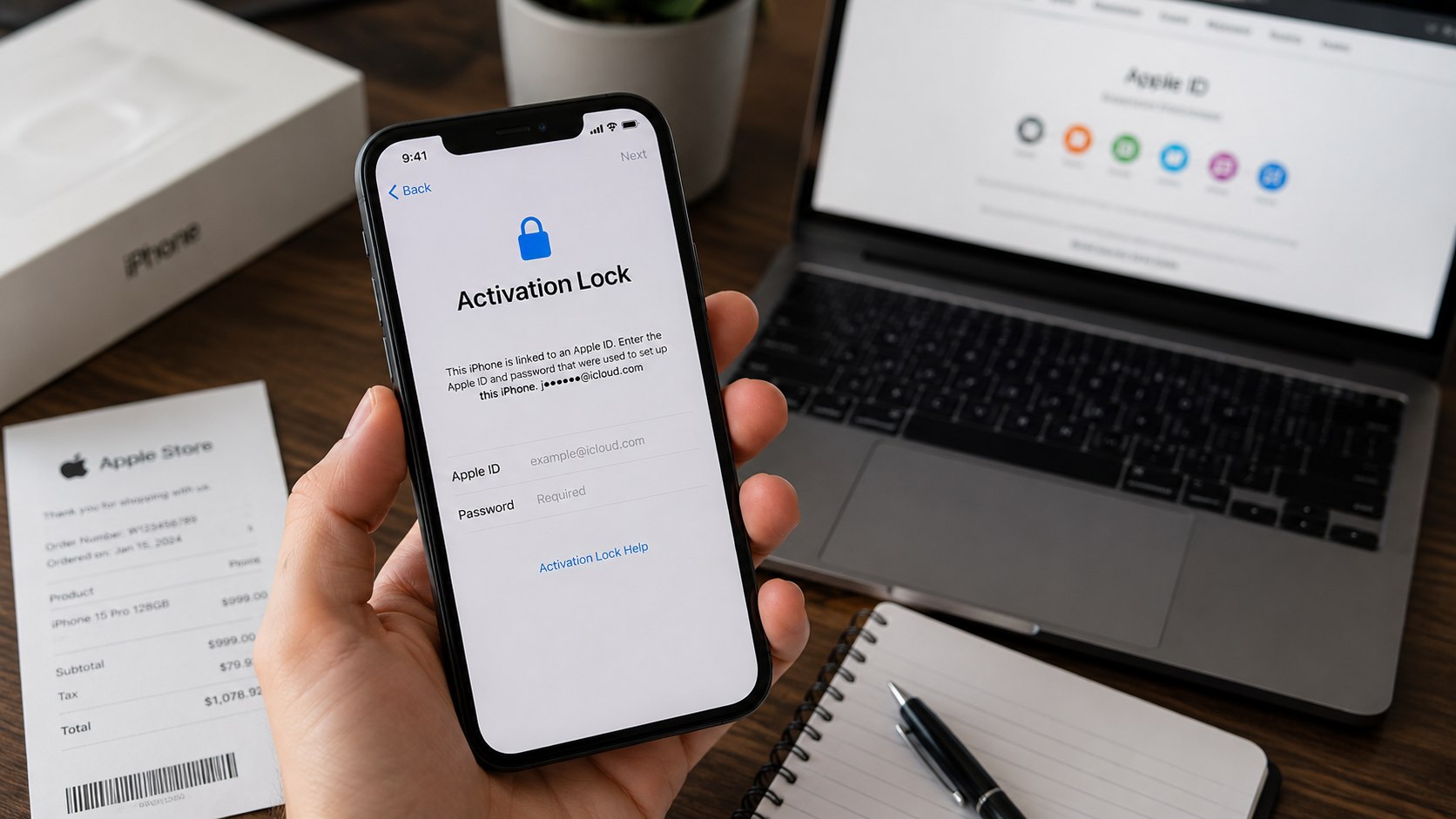
If your iPhone in the USA displays the Activation Lock screen and you are the legitimate owner, you can regain access using Apple’s official procedures. The process can take anywhere from a few minutes to several days depending on whether you can access your Apple ID, have proof of purchase, or need to contact Apple Support, аs noted by Baltimore Chronicle.
This guide covers everything a lawful owner needs: tools and documents, step-by-step instructions, common mistakes to avoid, and practical tips for iPhone account recovery. It also links to relevant Baltimore Chronicle articles about iPhone setup, backups, and data transfer.
What You Need
Before starting, prepare:
- iPhone showing the Activation Lock screen
- Apple ID email address (even partial)
- Access to a trusted phone number or recovery email
- Original proof of purchase such as a receipt, carrier contract, or invoice
- Internet access
- 30 minutes to several days for completion
- Apple Support contact information
If you are unsure about Apple ID setup or device security, Baltimore Chronicle’s How to Set Up a New iPhone in 2026 provides guidance on Apple ID, device activation, and settings to prevent future lockouts.
Understanding Activation Lock
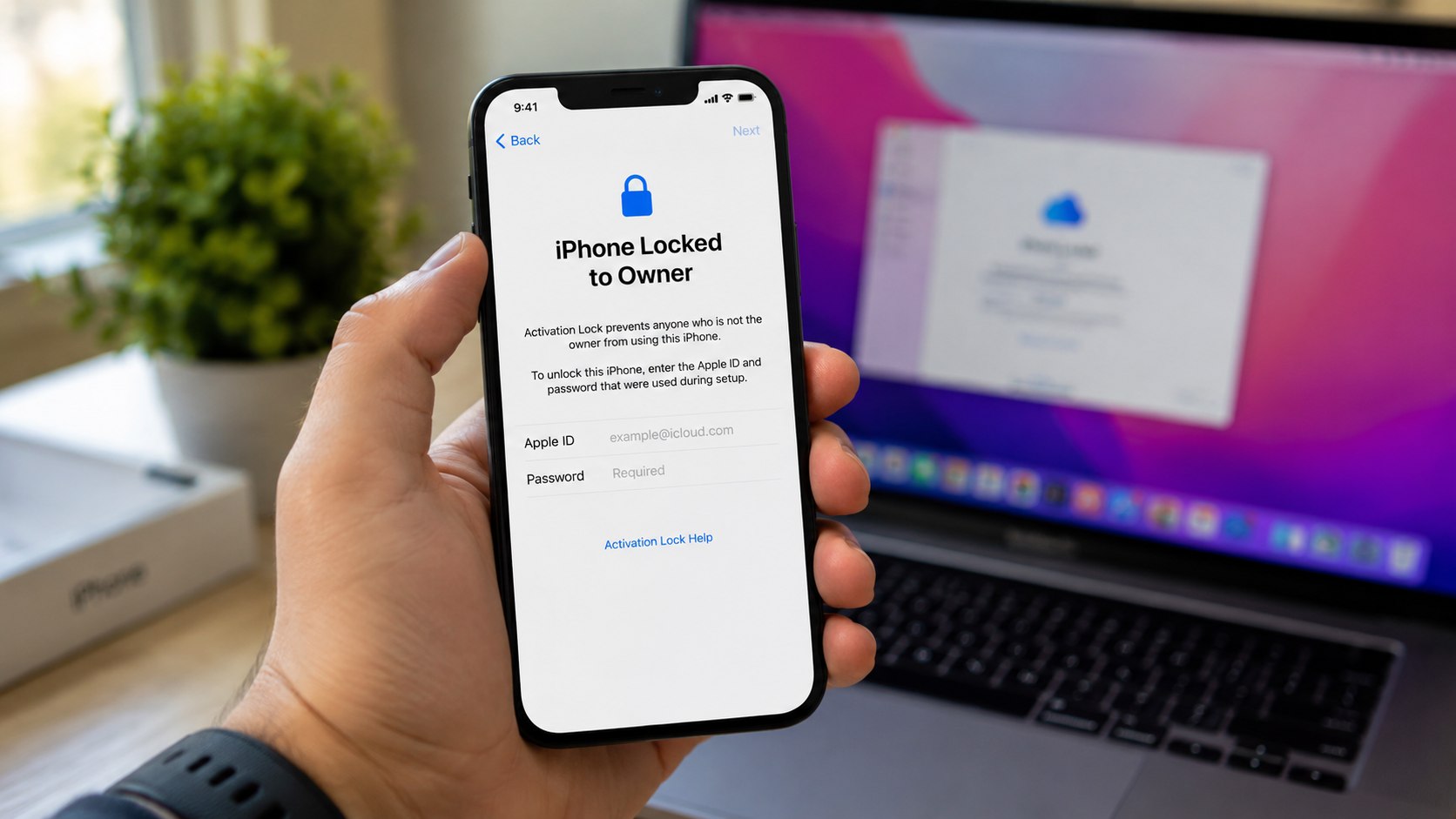
Activation Lock is part of Apple’s Find My system. When enabled, it links the iPhone to a specific Apple ID. Even after erasing the phone, Apple servers require authentication from that account.
This prevents unauthorized use of lost or stolen devices. Because of this protection, there is no legitimate shortcut around Activation Lock — only official recovery or ownership verification works.
Activation Lock issues typically occur if:
- You forget your Apple ID or password
- You purchase a used iPhone without the previous owner removing their account
- Your account has outdated verification information
Baltimore Chronicle also explains How to Back Up iPhone to iCloud 2026, which is useful because backups help ensure data remains safe even if you need to reset the device during recovery.
Step 1: Identify the Apple ID on the Screen
When the Activation Lock appears, Apple usually shows part of the email connected to the Apple ID.
What to do: Verify if the email belongs to you, a family member, or the previous owner.
Why it matters: Correct identification determines whether you proceed with password recovery or need ownership verification.
Common mistake: Creating a new Apple ID. This will not unlock the device.
Step 2: Attempt Apple ID Password Recovery
If the Apple ID belongs to you, start with password recovery.
What to do: Use Apple’s official account recovery tools to reset the password via trusted devices, phone numbers, or email.
Why it matters: Many legitimate owners regain access by resetting their password.
Common mistake: Submitting multiple requests from different devices — this may complicate the recovery process.
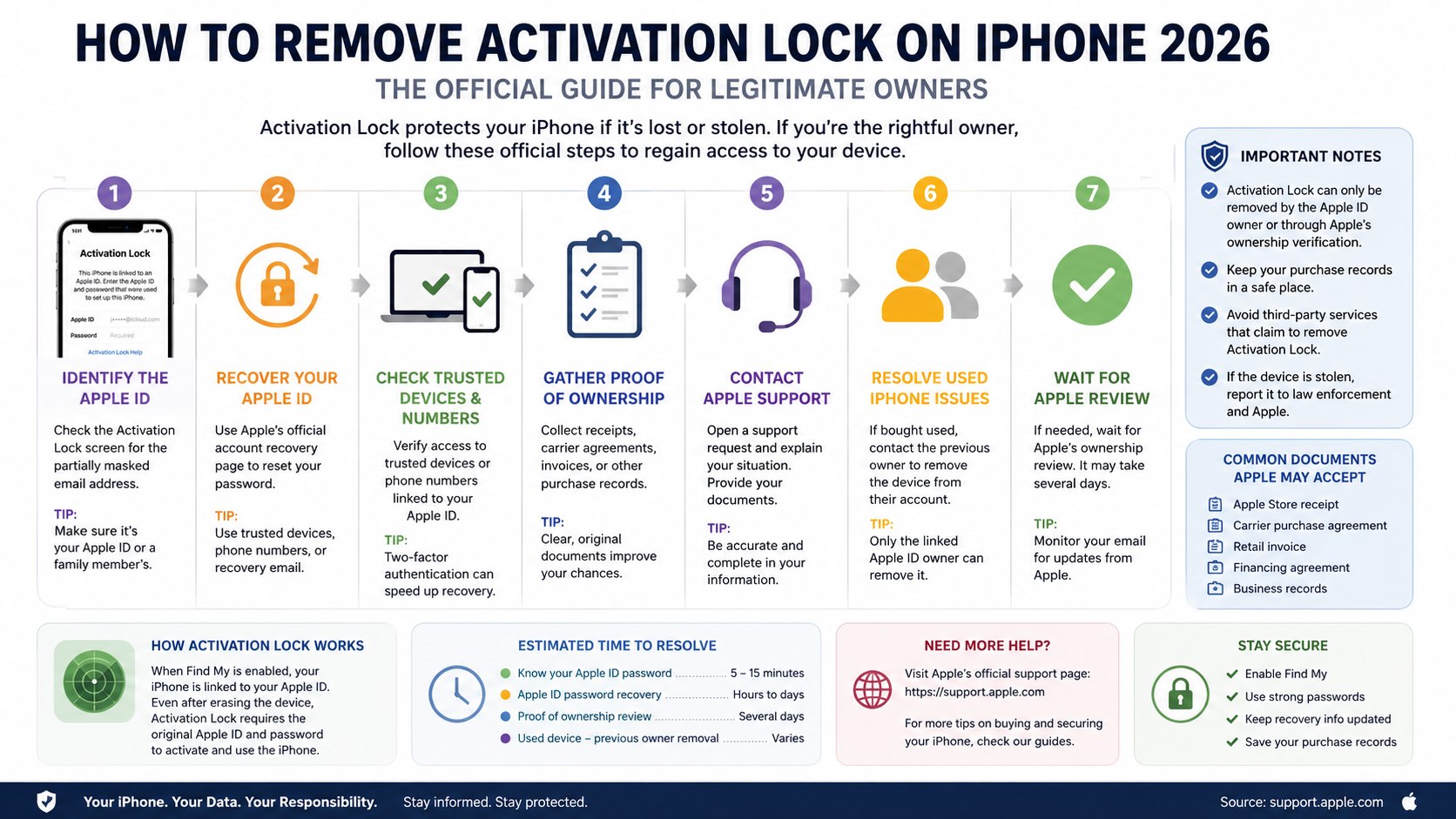
Step 3: Use Trusted Devices and Verification Codes
Accounts with two-factor authentication send verification codes to trusted devices.
What to do: Check if you have an iPad, Mac, or another iPhone that can receive a verification code.
Why it matters: Verification codes speed up account recovery.
Common mistake: Ignoring old devices that can still receive codes. Some devices remain trusted even if not recently used.
Step 4: Gather Proof of Ownership
If password recovery fails, collect documentation proving you own the device.
What to do: Locate receipts, carrier agreements, or authorized reseller invoices showing the iPhone’s IMEI or serial number.
Why it matters: Apple requires proof before assisting with Activation Lock removal.
Common mistake: Using screenshots from resale platforms without official identifiers.
Helpful documents include:
- Apple Store receipts
- Carrier purchase contracts
- Retailer invoices
- Business purchase records
- Authorized reseller documentation
Baltimore Chronicle’s How to Transfer iPhone Data in 2026 explains how Apple’s official data transfer methods interact with Apple ID verification, which is useful if you plan to move data to a new device.
Step 5: Contact Apple Support
If account recovery or ownership verification cannot be completed alone, contact Apple Support.
What to do: Submit a request explaining that you are the legitimate owner and provide all available documentation.
Why it matters: Apple Support can review your documents and guide the next steps.
Common mistake: Providing incomplete information — this delays the process.
Step 6: Address Used iPhone Ownership
A frequent cause of Activation Lock is purchasing a second-hand iPhone that still belongs to the previous owner’s Apple ID.
What to do: Ask the previous owner to remove the device from their Apple ID via iCloud.
Why it matters: Only the linked Apple ID can release Activation Lock.
Common mistake: Turning to paid third-party services claiming guaranteed removal. These often fail and violate Apple’s terms.
Step 7: Wait for Apple’s Ownership Review
After submitting documentation, Apple begins a review period.
What to do: Follow instructions and monitor email for updates.
Why it matters: Apple verifies ownership to prevent fraud.
Common mistake: Resending the same documents repeatedly — this can reset review timelines.
Troubleshooting Common Scenarios
- If the Apple ID on screen is unfamiliar: contact the seller immediately.
- If you lost your trusted phone number: attempt recovery via trusted devices or alternate contacts.
- If no purchase receipt is available: check carrier records or bank statements.
- If the device belonged to a deceased family member: ask Apple about legacy account access.
- If the iPhone was purchased years ago via a marketplace: use transaction records and communications as proof.
FAQ About Activation Lock 2026
Can Apple remove Activation Lock without documentation?
Apple generally requires evidence of ownership before assisting.
How long does Apple ID recovery take?
Recovery ranges from minutes to several days depending on verification options.
Can carriers unlock Activation Lock?
No — carriers can provide purchase records but cannot modify Apple’s lock.
I bought a used iPhone with Activation Lock. What now?
The previous owner must remove the iPhone from their Apple ID or you must provide proof of legitimate ownership.
Are online paid “removal services” legitimate?
Most cannot bypass Apple’s security and should be avoided.
Does resetting an iPhone remove the lock?
No. Activation Lock remains tied to your Apple ID even after erasing the device.
Final Notes
For legitimate owners, the fastest solution is usually recovering the Apple ID tied to the device. When that isn’t possible, submitting proof of purchase and working with Apple Support remains the most reliable path forward.
Understanding how iPhone backups, Apple ID, and data transfer work helps prevent future lockouts, and the linked Baltimore Chronicle guides explain many of those fundamentals in greater detail.
Earlier we wrote that Expert Tips to Paint Kitchen Cabinets Professionally at Home