


How to lower your phone bill 2026 starts with one practical move: stop paying for wireless service based on habit. In about 30 minutes, most households can compare actual data use, remove unnecessary extras, and check whether prepaid service or an MVNO fits better. For many Americans, the biggest savings come from keeping the same phone while changing the company that sends the bill, as noted by Baltimore Chronicle.
You do not need to give up your number or automatically buy a new device. The practical goal is to match your plan to how you actually use your phone. That may mean moving from a major carrier to prepaid service, choosing a lower data allowance, or separating phone financing from wireless service.
Key takeaways
- Check your last 3 months of data use before comparing plans. Unlimited data is often unnecessary for people who spend most of their time on Wi-Fi.
- Compare the regular price, not only an introductory offer. Some 2026 promotions expire after several months or require advance payment.
- Keep your current phone when possible. Avoiding another installment agreement can save more than changing the wireless plan itself.
The first calculation should use your full monthly payment. Include device installments, insurance, taxes, add-ons, smartwatch lines, and other recurring charges. A $70 advertised plan can become a much larger household expense after those items appear.
Households reviewing other recurring expenses can use the Baltimore Chronicle guide to cutting everyday costs in 2026. Phone service is one of the easier monthly bills to test because switching often requires less commitment than changing insurance, housing, or utilities.
What you need
Before opening carrier comparison pages, gather the information that actually affects your decision. This prevents promotional pricing from distracting you from the final cost.
- Your last 2 or 3 wireless bills
- Average monthly cellular data use for every line
- Your phone’s IMEI number
- Any remaining device payoff balance
- Your carrier account number and transfer PIN
- About 30 to 45 minutes for comparisons
- A list of required features, including hotspot access or international roaming
Your current carrier app usually shows cellular data use by line. Check several months because travel or temporary hotspot use can distort one billing cycle. Separate device payments from service charges and note every insurance plan, subscription bundle, tablet line, and watch line.
Also determine whether every device is unlocked before planning a switch. If a provider requires several months of advance payment, compare that expense with your monthly budget. A cheaper annual rate is less useful when the upfront charge creates another financial problem.
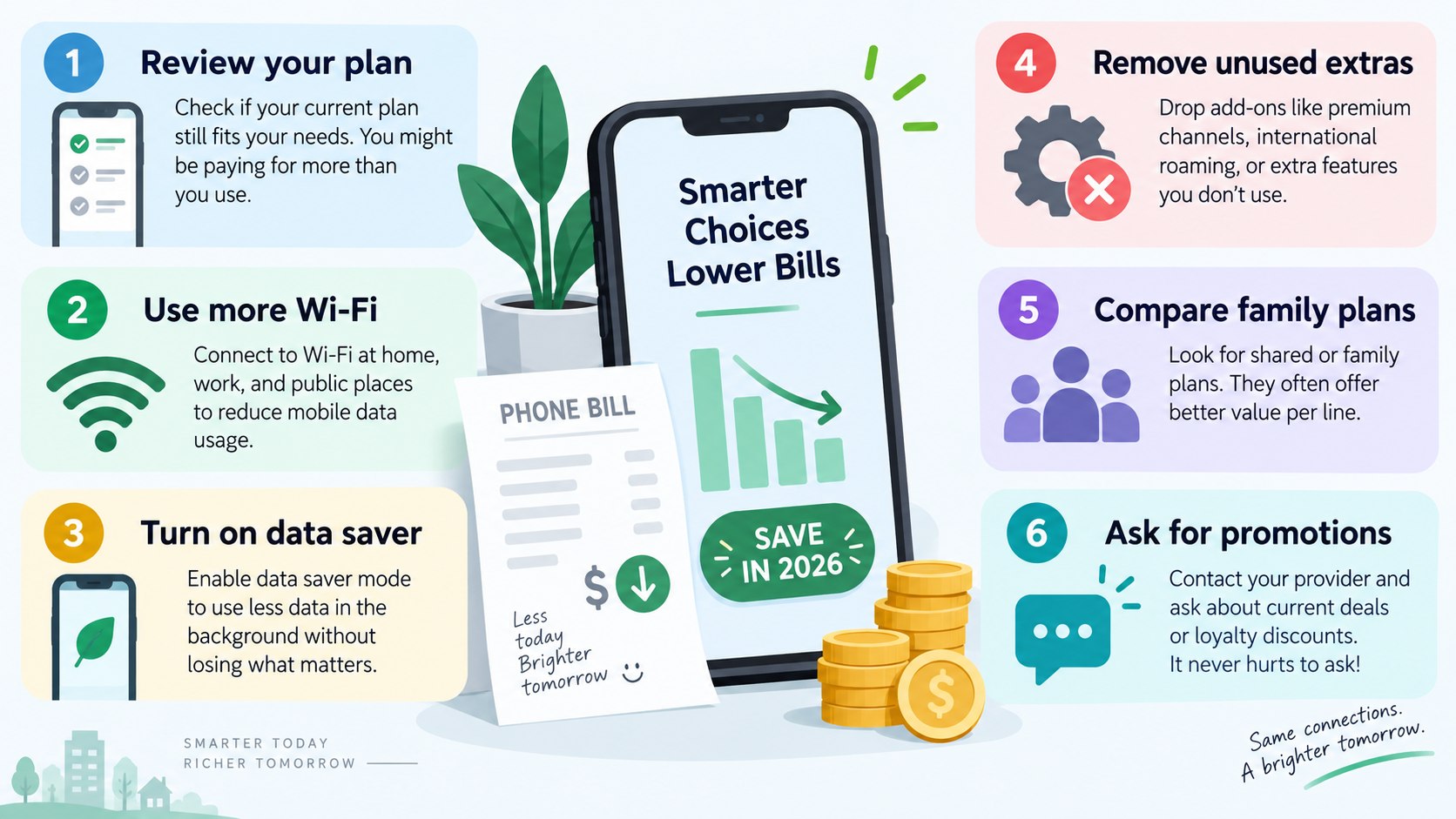
Step 1: Audit the bill before shopping for another plan
Start with the bill itself and record what each line actually costs. Separate wireless service, device financing, insurance, taxes, international features, and subscriptions.
Why it matters: carriers may combine several costs into one automatic payment. Changing a service plan will not eliminate a $30 device installment or a $17 insurance package.
The cheapest phone plan is not always the plan with the lowest advertised rate. The important number is the total amount leaving the household account each month.
A common mistake is comparing an existing all-in bill with a competitor’s service-only advertised price. Compare like with like. The same principle works when reviewing broader monthly living expenses.
Step 2: Measure how much mobile data you really use
Look at cellular data consumption for at least 3 billing cycles. Someone using 6 GB to 10 GB each month may gain little from paying for a premium unlimited plan.
Wi-Fi at home, work, school, and public locations can sharply reduce mobile data use. Families should review every line independently because usage can vary widely within the same household.
The mistake to avoid is choosing an extremely small allowance just to save a few dollars. Frequent data top-ups can erase the savings and make the plan inconvenient.
In 2026, low-data prepaid plans can still cost far less than premium postpaid service. Tello, for example, advertises smaller data packages alongside unlimited options. The exact checkout price, taxes, and available promotions should always be verified before transferring a number.
Step 3: Compare MVNO and prepaid plans with postpaid service
An MVNO sells mobile service using infrastructure operated by a larger wireless network. Depending on the provider, coverage can rely on Verizon, T-Mobile, AT&T, or another network partner.
This model makes MVNO phone plans 2026 attractive for customers who do not need premium retail stores, bundled financing, or extensive account perks. Prepaid providers can also make monthly costs easier to understand.
Use the comparison below as a starting point rather than a ranking. Coverage at your home, workplace, and regular travel destinations matters more than a carrier logo.
| Provider | 2026 price reference | Data approach | Payment structure |
|---|---|---|---|
| Tello | Around $10 for 2 GB and $15 for 10 GB | Fixed data options | Monthly |
| Visible | $25 standard unlimited plan | Unlimited | Monthly |
| Mint Mobile | Promotional plans can start near $15 monthly | Several data tiers | Multi-month payment |
| US Mobile | Varies by data level and term | Unlimited and usage-based options | Monthly or annual |
Visible lists a standard unlimited plan around $25 monthly before temporary promotional discounts. Mint Mobile frequently structures discounts around multi-month purchases rather than simple month-to-month billing.
US Mobile sells both annual and monthly options, so the displayed monthly equivalent may differ from the amount charged at checkout. Tello remains useful for people who want smaller data allowances instead of unlimited service.
These prices should never replace a coverage check. A plan that costs $10 less each month offers little value if reception is poor where you spend most of your time.
Step 4: Check coverage, priority data, and hotspot limits
A low monthly bill becomes expensive when the service fails where you need it. Check the provider’s coverage information and compare it with real use in your neighborhood, office, or regular travel corridor.
Some lower-priced plans can receive different network treatment during congestion. Hotspot limits, video quality, roaming, and premium data allowances can also differ from more expensive postpaid plans.
The common mistake is treating the word “unlimited” as proof that every feature is unlimited. Read the plan details and broadband information before activation.
The useful comparison is not simply “unlimited versus unlimited.” Compare usable data, hotspot access, roaming, taxes, and the price after promotions end.
This matters for freelancers who tether laptops, parents using tablets on road trips, and households without reliable home internet. Saving $20 each month is less useful if an essential hotspot feature disappears.
Step 5: Keep your phone and transfer your number correctly
Keeping an existing device is often the fastest route to a lower wireless bill. First confirm that the phone is paid off, unlocked, and compatible with the new network.
Replacing a working $700 or $1,000 phone can erase a year of service savings. Bringing your own device also prevents another 24-month or 36-month installment agreement from hiding the real service price.
The FCC provides consumer information about phone-number transfers and wireless service through its Consumer Inquiries and Complaint Center.
Follow these steps when changing providers:
- Confirm that the old phone is unlocked.
- Check the new provider’s IMEI compatibility tool.
- Request your account number and transfer PIN.
- Start the transfer with the new carrier before canceling the old service.
- Wait until the number transfer is complete.
- Verify that the previous account closes correctly.
Do not cancel the old line before starting the transfer. Doing so can complicate the process and may create problems with keeping the same number.
Keep screenshots of confirmation pages and account information until everything works. Test calls, texts, mobile data, voicemail, and two-factor authentication afterward.
Check the old carrier account again several days later for any final charge. Remove automatic payment only after legitimate remaining balances have cleared.
For a household with several lines, moving one line first can be safer. A short test may reveal coverage problems before every family number is transferred.
Step 6: Remove extras and calculate the 12-month cost
Before switching, ask your existing carrier whether a cheaper plan is available without changing devices. Then remove services you no longer use.
Common candidates include device insurance on older phones, premium voicemail, international packages, tablet lines, watch lines, and entertainment subscriptions. These are practical ways to reduce a cell phone bill without immediately changing networks.
A $10 monthly add-on costs $120 over a year. Removing 3 forgotten extras can matter more than finding a temporary promotional discount.
The mistake is evaluating only the first monthly payment. Calculate the next 12 months.
| Cost item | Current plan example | Potential replacement |
|---|---|---|
| Service | $70/month | $25/month |
| Insurance | $15/month | $0 if self-insuring |
| Device installment | $25/month | $0 after keeping a paid-off phone |
| 12-month total | $1,320 | $300 |
This is an illustrative example, not an average US wireless bill. It shows why separating hardware costs from service costs changes the calculation.
A household still paying off a phone may not achieve the full difference immediately. Insurance can also remain worthwhile when replacing an expensive device would create financial strain.
Annual plans deserve the same scrutiny because a low monthly equivalent can require a large payment upfront. Build the comparison around the amount actually charged during the next 12 months.
Readers reviewing rent and other fixed expenses can apply the same approach when reading the Chronicle’s guide to renting and household expenses.
Troubleshooting common problems when switching
Most carrier changes are straightforward, but several issues repeatedly cause delays. Check these problems before assuming the new provider is not working correctly.
- Number transfer is stuck: verify the account number, ZIP code, transfer PIN, and account holder information.
- Phone shows no service: confirm device compatibility and restart after activating the new SIM or eSIM.
- Data feels slower: check coverage, network management terms, and premium data limits.
- Bill is higher than advertised: look for taxes, device charges, activation costs, international features, or an expired promotion.
- Coverage is poor at home: test Wi-Fi calling and consider another underlying network if reception remains weak.
Do not transfer every household line until the first device works correctly. Keep access to the previous carrier account during the transition.
Save receipts and screenshots for promotions that depend on transferring a number. If an unexplained charge appears, contact the provider promptly and document the response.
The Federal Trade Commission publishes billing and consumer-protection information through FTC Consumer Advice. A cheaper phone plan should make the monthly bill easier to understand, not harder.

How to lower your phone bill 2026 without sacrificing useful features
The most reliable strategy is to pay for the features you repeatedly use instead of the largest package available. A light-data customer may be comfortable with a $10 to $20 prepaid plan. Heavy users may prefer an unlimited option around $25 to $45 if coverage and hotspot terms fit their needs.
Families should compare both shared arrangements and separate individual lines. A major-carrier family discount can sometimes compete with several MVNO plans, particularly when device promotions are included.
The calculation changes when those phones still have unpaid balances. A promotional device is not free if leaving the carrier requires paying hundreds of dollars immediately.
Lower monthly cell phone costs usually come from 3 decisions: keep devices longer, stop paying for unnecessary data, and remove recurring extras. Switching providers is only one part of the process.
Review the bill at least once a year. Wireless pricing changes often, and a plan that looked competitive in 2024 or 2025 may no longer deserve an automatic renewal in 2026.
FAQ
How much should a phone plan cost in 2026?
There is no single correct price. Lower-data prepaid plans can fall near $10 to $20 monthly, while unlimited MVNO options may cost around $25 to $45.
Premium postpaid plans can cost more, particularly after device financing, insurance, and extras are added.
Can I lower my phone bill without changing carriers?
Yes. Ask about cheaper plan tiers, remove unused insurance and subscriptions, pay off older devices, and review unnecessary tablet or smartwatch lines.
These changes can reduce the bill without moving your number to another provider.
Is an MVNO worse than a major carrier?
Not automatically. MVNOs use larger wireless networks, but plan features, priority data, and customer support can differ.
Compare local coverage, hotspot allowances, roaming, and network-management terms before switching.
Can I keep my phone number when switching to prepaid?
Usually, yes. Do not cancel the old service before transferring the number.
Give the new provider the correct account information and transfer PIN so it can start the porting process.
Should I choose monthly or annual prepaid service?
Monthly service provides more flexibility. Annual service can reduce the effective monthly price but usually requires more money upfront.
Test coverage before committing to a long prepaid term.
What is the fastest way to reduce a wireless bill?
Check actual data use, remove unnecessary add-ons, and compare the 12-month cost of at least 3 plans. For many households, keeping paid-off phones and moving to prepaid wireless service can create the biggest immediate difference.
Earlier we wrote about How Much Does New Siding Cost in 2026? US Prices and Installation Breakdown