

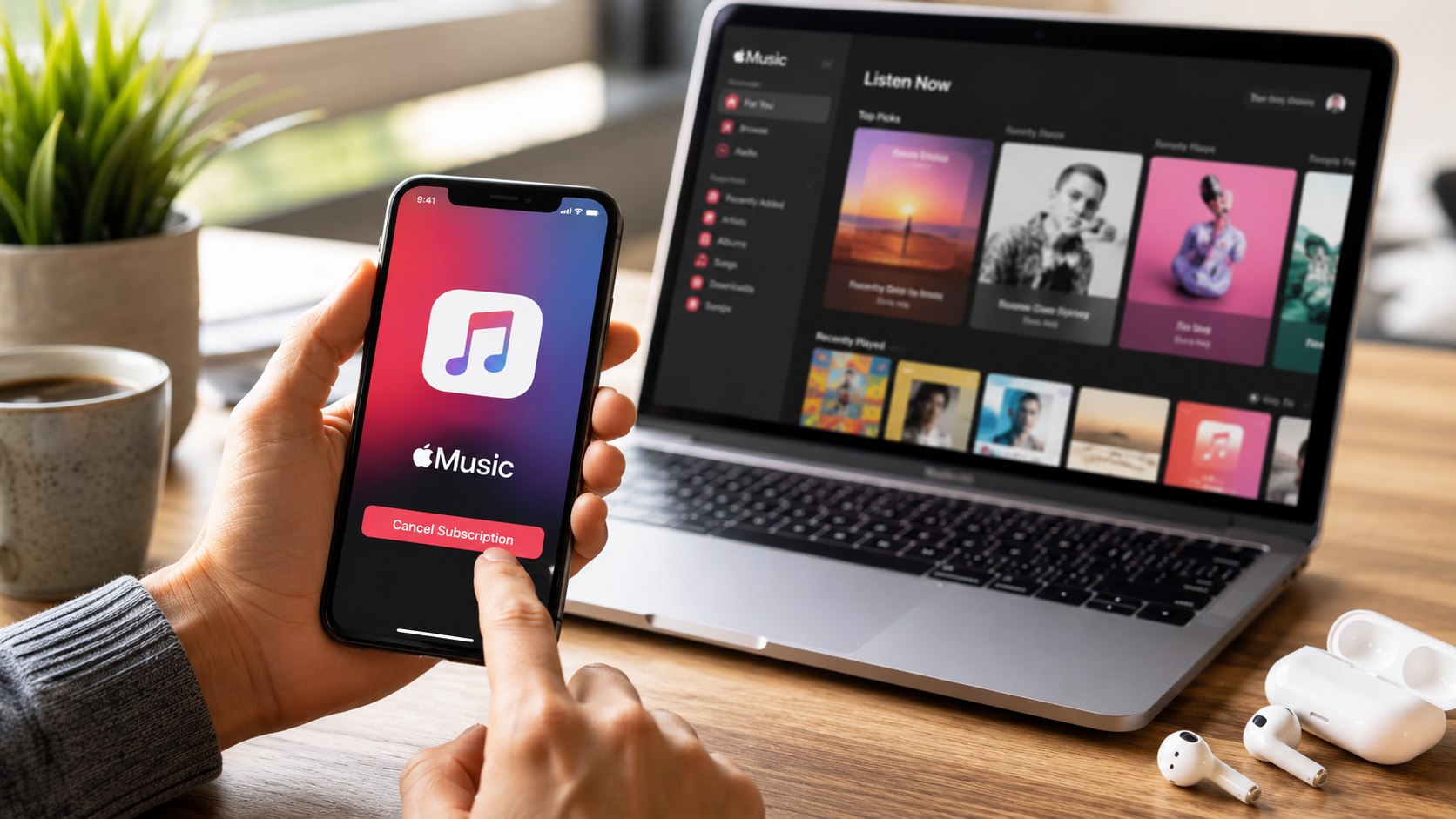
How to cancel Apple Music 2026 takes less than five minutes on an iPhone, Mac, Windows PC, or through Apple’s website. The key is canceling the subscription from the same Apple ID that started the plan, not just deleting the app, аs noted by Baltimore Chronicle.
This guide explains the exact steps, how billing works in 2026, what happens to playlists after cancellation, and how to avoid getting charged again. The walkthrough covers individual, family, and student plans used across the United States.
Key takeaways
- Deleting the Apple Music app does not stop recurring billing tied to an Apple ID subscription.
- Most Apple Music plans continue working until the current billing cycle ends, even after cancellation.
- Users can still rejoin later and may recover playlists if they return within Apple’s retention period.
What you need before canceling
- An iPhone, iPad, Mac, Windows PC, or web browser
- Access to the Apple ID linked to the subscription
- Your Apple account password, Face ID, or Touch ID
- About 5 minutes
- Optional: backup screenshots of playlists or downloaded music
If the subscription came through Verizon, T-Mobile, Roku, or another third-party provider, the cancellation process may happen through that company instead of Apple.
Readers who also manage other recurring digital payments may find Baltimore Chronicle’s guide on How to Cancel Netflix Subscription in 2026 Without Extra Charges useful when reviewing monthly streaming costs.
How Apple Music billing works in 2026
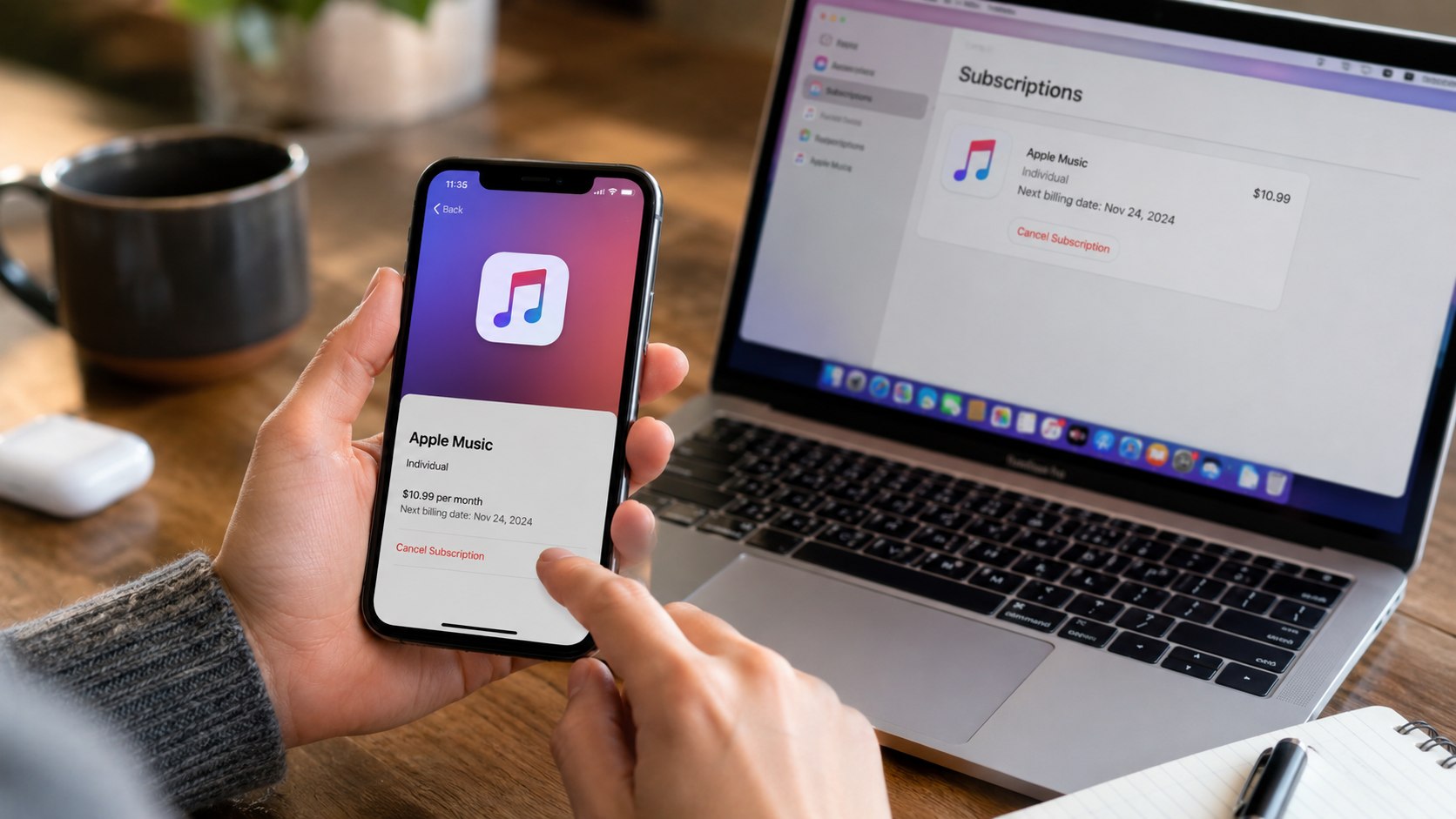
Apple Music plans in the US typically range from about $5.99 per month for eligible student plans to roughly $16.99 per month for family plans as of 2026. Prices can vary if bundled through Apple One or mobile carriers.
Canceling stops future renewals but usually does not issue a refund for the remaining billing period. Apple generally allows access until the current cycle expires.
For broader household budgeting, Baltimore Chronicle also explains how to spot unused apps and services in How to Build a Healthy Relationship with Money in 2025.
| Plan Type | Typical 2026 US Price | Who It Covers |
|---|---|---|
| Student | $5.99/month | One verified student account |
| Individual | $10.99–$11.99/month | Single user |
| Family | $16.99–$17.99/month | Up to six users |
Apple’s official subscription management page remains the primary source for current pricing and account controls: Apple Support.
Step 1: Check which Apple ID is paying for Apple Music
Open Settings on iPhone or System Settings on Mac and confirm the signed-in Apple ID. Many cancellation problems happen because users have multiple Apple accounts for iCloud, App Store purchases, or family sharing.
This matters because subscriptions only appear under the Apple ID that originally purchased them.
A common mistake is trying to cancel under a secondary work or family account while billing continues on the primary account.
Step 2: Open the Subscriptions menu on iPhone
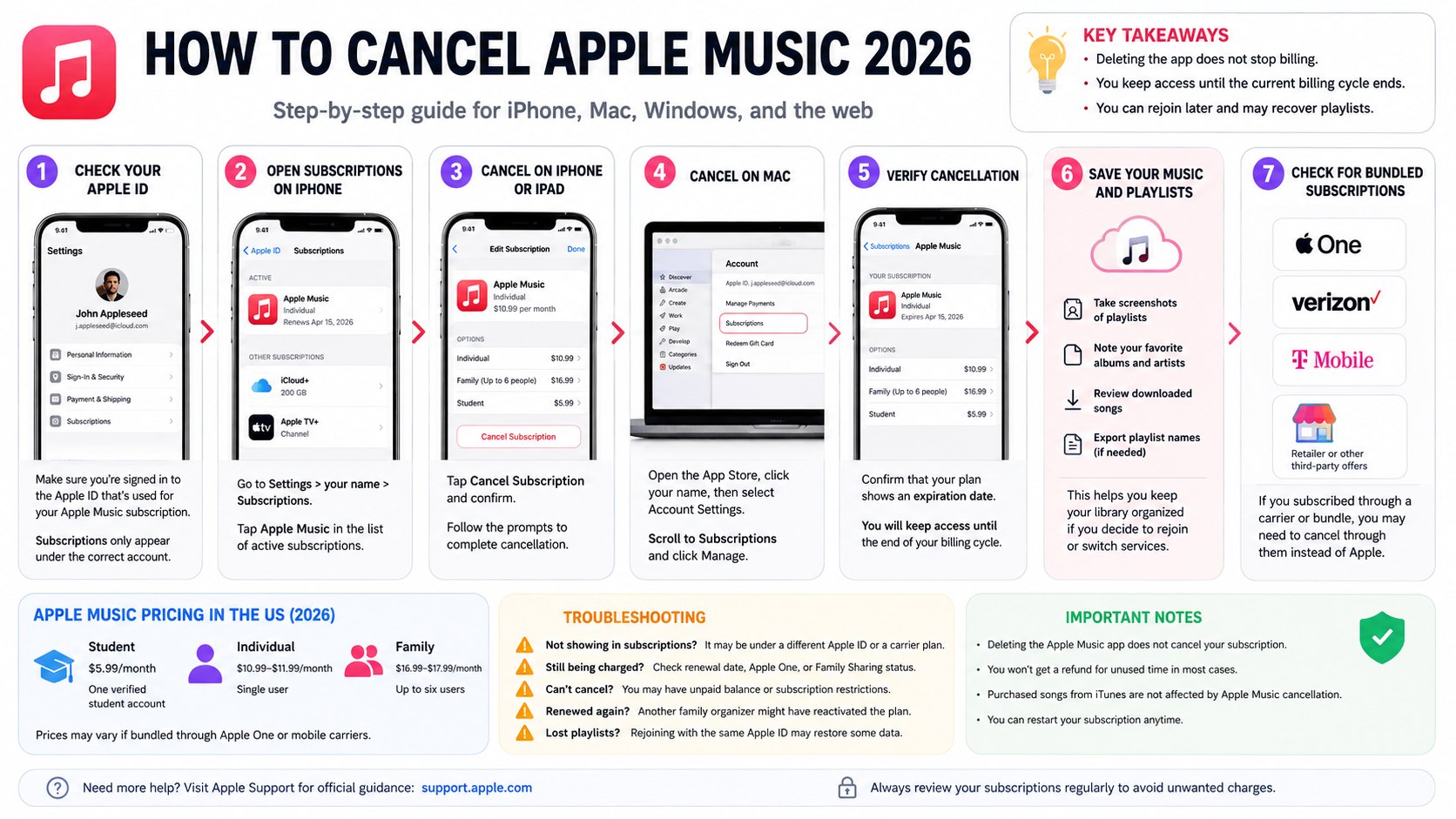
On iPhone or iPad, open Settings, tap your name, then tap Subscriptions. Select Apple Music from the active subscriptions list.
This is the fastest method for most US users using iOS 18 or newer in 2026.
A common mistake is opening the Apple Music app directly instead of the Apple ID subscription settings.
Alternative path on newer iPhones
- Open the App Store.
- Tap your profile icon.
- Select Subscriptions.
- Choose Apple Music.
Both methods reach the same billing controls.
Step 3: Cancel Apple Music on Mac
Mac users can manage subscriptions through the App Store or System Settings. Open the App Store, click your profile name, and select Account Settings. Scroll to Subscriptions and click Manage.
This matters for households using shared MacBooks, especially under Apple Family Sharing plans.
A common mistake is canceling only the Apple Music app login instead of the paid subscription attached to the Apple account.
| Device | Main Cancellation Path | Typical Time |
|---|---|---|
| iPhone | Settings → Apple ID → Subscriptions | 2–3 minutes |
| Mac | App Store → Account Settings → Manage | 3–5 minutes |
| Windows PC | Apple Music or Apple TV app settings | 5 minutes |
| Web Browser | music.apple.com or account.apple.com | 5 minutes |
Step 4: Select “Cancel Subscription”
Tap or click the cancellation button and confirm the action. Apple may display retention offers, temporary discounts, or reminders about losing downloaded songs.
This confirmation step prevents accidental cancellation for family plans and bundled subscriptions.
A common mistake is backing out before the final confirmation screen appears.
If the cancellation worked, Apple should display an expiration date instead of a future renewal date.
Step 5: Verify the subscription status
After canceling, revisit the Subscriptions page and confirm the plan now shows “Expires” or “Ends” instead of “Renews.”
This matters because pending payment issues or failed confirmations can sometimes leave subscriptions active.
A common mistake is assuming cancellation succeeded without checking the updated status.
Step 6: Download or save playlists before access ends
Once the billing cycle ends, downloaded songs tied to the subscription stop working. Custom playlists may disappear after an extended inactive period.
This matters for users with years of saved playlists or imported libraries.
A common mistake is waiting until after expiration to export playlist names or screenshots.
What to save before cancellation
- Playlist screenshots
- Favorite albums and artists
- Downloaded offline music lists
- Shared family playlists
- Music library organization folders
Step 7: Check for bundled subscriptions
Some Apple Music plans are included through Apple One, Verizon Unlimited, T-Mobile plans, or promotional offers from retailers in states like California, Texas, Florida, and New York.
This matters because canceling Apple Music directly may not stop billing through a wireless carrier or bundle package.
A common mistake is forgetting that another service provider controls the payment.
Apple’s account management portal can help identify active subscription providers: Apple Account.
Troubleshooting Apple Music cancellation problems
- Apple Music does not appear in subscriptions: The plan may belong to another Apple ID or a mobile carrier bundle.
- Still getting charged after canceling: Verify the renewal date and check whether Apple One or Family Sharing remains active.
- Cannot cancel because of unpaid balance: Apple may require settlement of pending App Store charges first.
- Subscription renews automatically again: Another family organizer may have reactivated the plan.
- Lost playlists after canceling: Rejoining with the same Apple ID may restore some library data if enough time has not passed.
What happens after canceling Apple Music
Most users keep access until the current monthly cycle ends. Downloaded songs eventually stop playing because the service uses subscription-based digital rights management.
Purchased songs from iTunes remain available because they are separate from Apple Music streaming access.
Family Sharing members lose access when the organizer cancels a shared plan. Student plans may also expire automatically if education verification lapses in 2026.
Users who plan to keep Apple Music instead of canceling can review how to upload music to Apple Music before changing their subscription.
For users switching services, Spotify, Amazon Music, and YouTube Music offer playlist transfer tools through third-party apps. Availability and compatibility can vary by platform.
FAQ
Can you cancel Apple Music without losing playlists?
Possibly. Apple may temporarily retain playlists and libraries after cancellation, but there is no guaranteed retention period. Saving screenshots or exported lists is safer.
Does deleting Apple Music cancel the subscription?
No. Removing the app from an iPhone, Mac, or iPad does not stop recurring charges connected to the Apple ID.
Can you get a refund after canceling Apple Music?
Refunds are not automatic. Apple may review refund requests individually depending on billing timing and local consumer protection rules in the United States.
How do you cancel Apple Music Family plans?
The family organizer must cancel the subscription from the primary Apple ID account settings. Individual members usually cannot stop the shared billing plan.
Can you restart Apple Music later?
Yes. Users can reactivate the subscription anytime through Apple ID subscription settings or the Apple Music app.
Why is Apple still charging after cancellation?
The most common reasons are cancellation under the wrong Apple ID, an active Apple One bundle, or a subscription managed through a wireless carrier instead of Apple directly.
Earlier we wrote about House Construction Timeline USA 2026: Average Building Time, Weather Delays, and Costs