

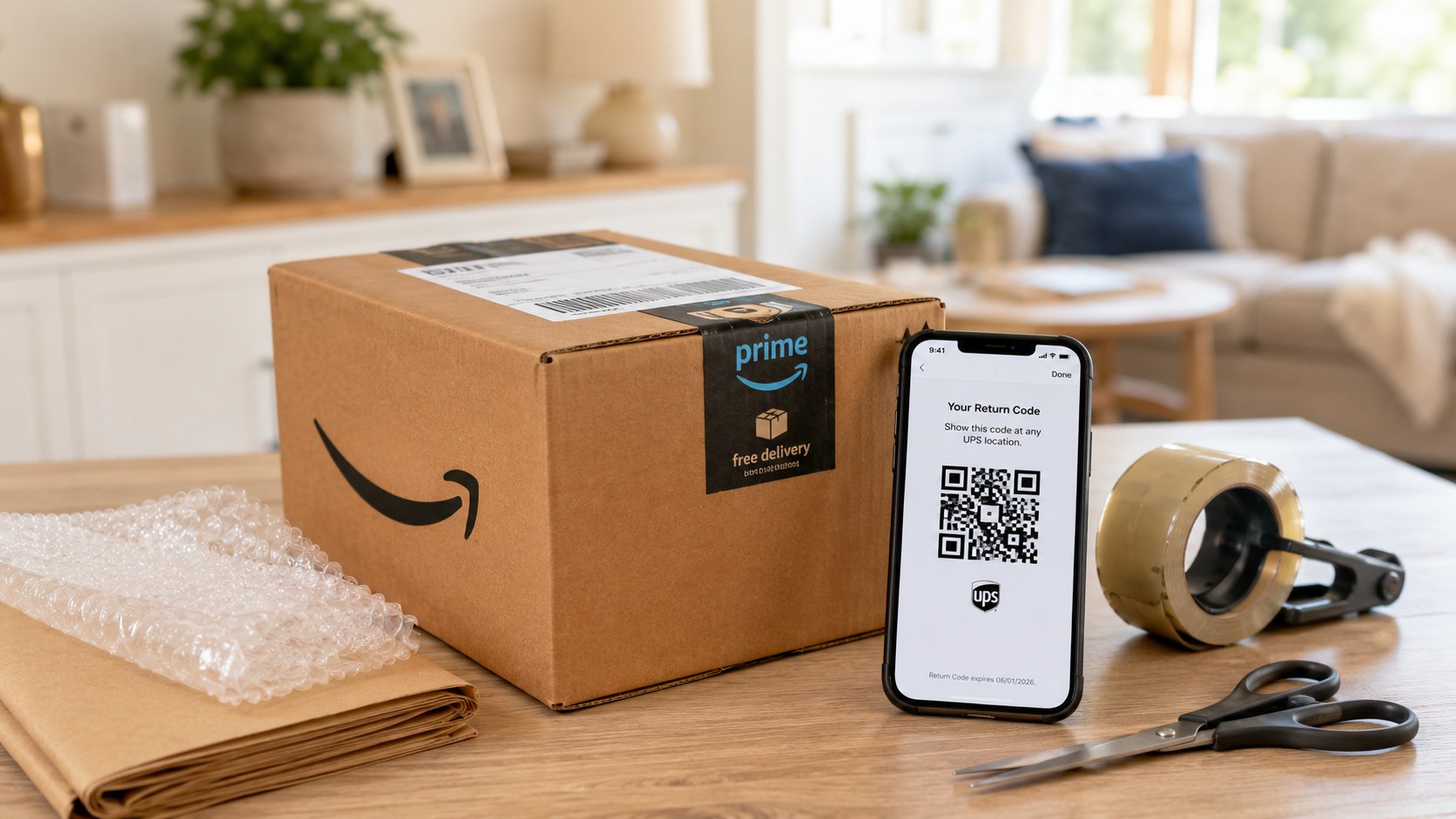
How to return an Amazon package via UPS dropoff usually takes 5–10 minutes online and only a few minutes inside The UPS Store. Open the order, start the return, select the UPS option Amazon offers, and take the item with its QR code or prepaid label to the specified location, as noted by Baltimore Chronicle.
If Amazon displays “The UPS Store Dropoff — no box or label needed,” bring the unpackaged item and the correct QR code. If the instructions say “UPS Dropoff,” you will usually need to box the product, attach the prepaid label, and use an eligible UPS location.
“We’ll send you a QR code; bring your code and item to the drop-off location.”
Amazon Customer Service, label-free and box-free return instructions, accessed in 2026.
Key takeaways
- A no-box QR return normally must go to the exact The UPS Store option selected in Amazon.
- A standard UPS Dropoff return usually requires secure packaging and a printed prepaid shipping label.
- Keep the drop-off receipt until Amazon marks the return received and completes the refund.
The words shown beside the return method control what you must bring. A QR code does not automatically mean every UPS counter, Access Point, drop box, or Customer Center can accept the item. Amazon may present different methods for 2 products from the same order. Review each item separately before leaving home.
Delivery problems require a different process. Readers dealing with missing shipment records can use this guide to track a package without a tracking number. Households planning travel may also need the instructions for setting up USPS Hold Mail in 2026.
What you need
Most Amazon UPS returns require no special equipment. Prepare the following items before opening the return page:
- The Amazon account used to place the order
- The item and all included parts, manuals, cables, accessories, or promotional products
- A charged phone with the Amazon app, email access, or a screenshot of the QR code
- The original manufacturer packaging when Amazon specifically requires it
- A shipping box, cushioning, and 2-inch packing tape for labeled UPS returns
- A printer only when the selected method requires a printed label
- A government-issued ID only if the location or special return instructions request one
- About 10–20 minutes, excluding travel and possible store lines
Most eligible Amazon returns use prepaid methods, but free return availability depends on the product, seller, reason, and available locations. Amazon shows any return deduction before final confirmation. The UPS Store may charge for optional packaging when the return instructions require a sealed box. Do not purchase packaging until you confirm whether the item qualifies for a no-box return.
The simplest rule is to follow the wording beside the selected return method, not the appearance of the QR code alone.
UPS return options compared
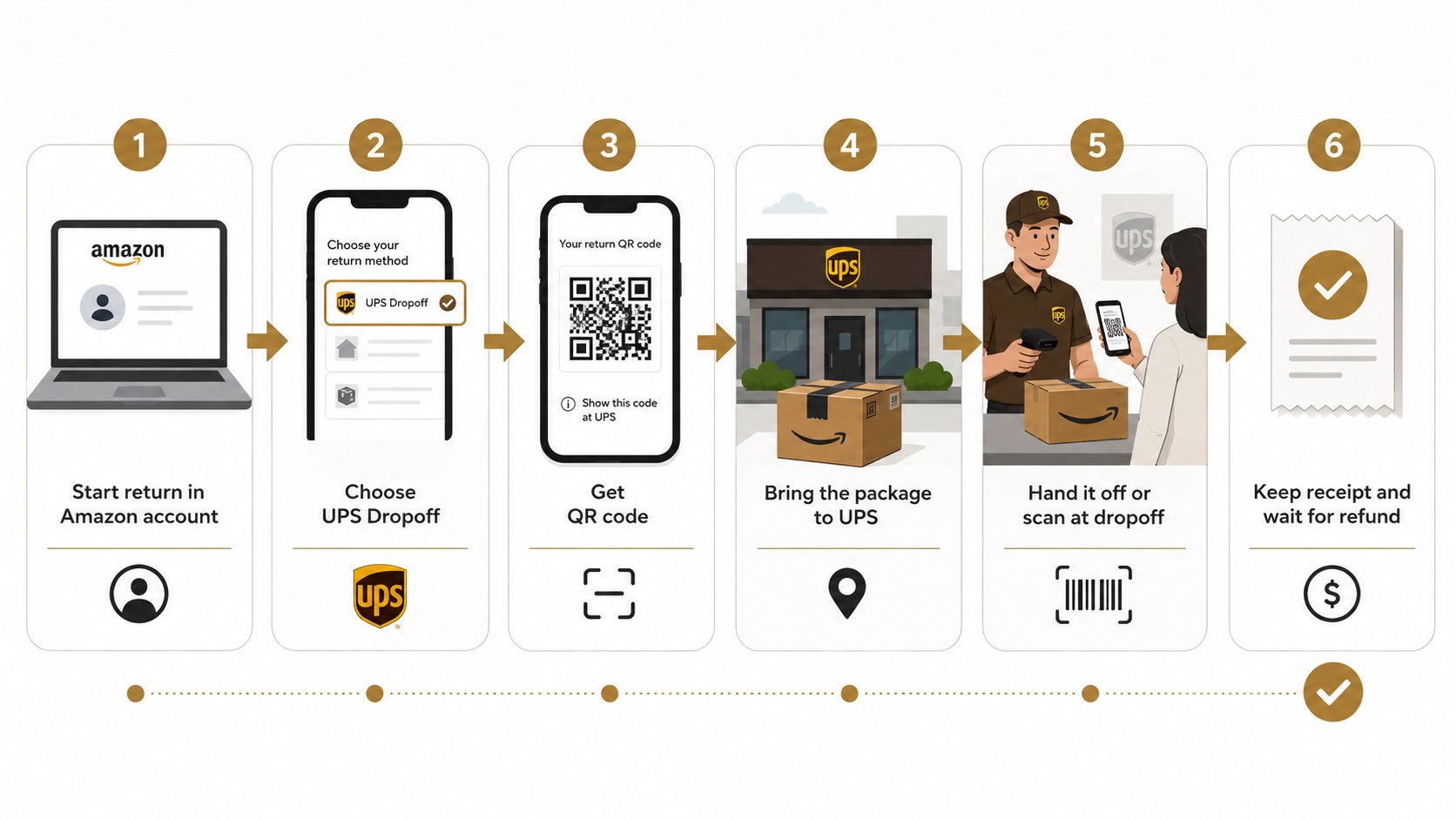
Amazon may display several UPS-related choices. Their names can look similar, but the packaging and location requirements are different.
| Amazon return option | What to bring | Where it normally goes | Typical customer cost |
|---|---|---|---|
| The UPS Store Dropoff — no box or label needed | Item, required accessories, QR code | The UPS Store location listed by Amazon | Usually $0 when shown as free |
| UPS Dropoff | Sealed box with prepaid label attached | Eligible staffed UPS location or Access Point | Usually $0 with Amazon’s prepaid label |
| UPS Pickup | Item prepared according to Amazon’s instructions | Your home or another approved pickup address | Any fee appears before confirmation |
| Customer-paid UPS shipment | Secure package and purchased postage | UPS shipping location | Varies by weight, size, distance, and service |
These labels describe common arrangements, not a guarantee for every order. A laptop may receive different options than a T-shirt or kitchen utensil. Products containing lithium batteries, liquids, oversized parts, or hazardous materials can have special restrictions.
Third-party marketplace sellers may also issue their own labels and instructions. Check the final confirmation page before packing anything. When the page conflicts with general advice, follow the instructions attached to that specific return.
Step 1: Open the correct order in Amazon
Sign in to Amazon, open “Your Orders,” and find the exact product. Select “Return or replace items,” then confirm the quantity if the order contained several identical units.
This matters because each return authorization connects one product to a specific QR code or label. Avoid starting the return from a different household member’s account, even when the items look identical.
Step 2: Select an accurate return reason
Choose the reason that best describes the problem, such as damaged, defective, missing parts, wrong item, or no longer needed. Add a brief factual explanation when Amazon provides a comment field.
The reason can affect available return methods, shipping deductions, and how Amazon evaluates the product. Do not select “defective” merely to obtain free shipping when the item works correctly.
Step 3: Choose the right UPS drop-off method
Review every option, distance estimate, deadline, and fee before making a selection. Choose The UPS Store no-box return when Amazon explicitly says no shipping box or label is needed.
If the page only offers “UPS Dropoff,” expect to package the item and attach a prepaid label. A common mistake is selecting the nearest-looking method without reading its full name.
Step 4: Save the QR code or print the label
Amazon normally places the return code inside the app and sends it to the account email address. Open the code before leaving, increase the screen brightness, and take a screenshot in case the building has weak cellular service.
For a printed-label return, download the correct PDF and print it at full size. Avoid attaching 2 labels or leaving an old carrier barcode visible on a reused box.
Step 5: Prepare a no-box, QR return correctly
For an eligible Amazon return without a box, remove personal data and gather every component that belongs with the product. Clothing should include detachable belts or accessories, while electronics should include listed cables, chargers, and adapters.
Manufacturer packaging may still be required even when an outer shipping box is unnecessary. Do not hand over unrelated products, loose batteries, or accessories from another order.
Before leaving home, place each item beside its matching QR screenshot and order description. This prevents codes from being switched at the counter.
Step 6: Package a labeled UPS return
Use a sturdy corrugated box with enough cushioning to prevent movement. Remove or cover old labels, seal every opening with shipping tape, and place the prepaid label on a flat surface.
UPS return guidance recommends removing previous shipping labels when reusing a box. Avoid using thin retail cartons, gift boxes, masking tape, or string as exterior packaging.
Step 7: Take it to the correct UPS location
Check the address and hours through The UPS Store locator before driving. Store hours and Sunday availability can differ in California, Texas, Florida, New York, Maryland, and other states.
A no-box Amazon QR return generally belongs at The UPS Store location supported by the chosen method. A UPS Access Point inside CVS, a UPS drop box, or a Customer Center may accept prepaid sealed packages but reject unpackaged QR returns.
- Tell the associate you have an Amazon return.
- Present the matching QR code or sealed labeled package.
- Confirm the screen displays the correct item.
- Hand over the product only after the code scans successfully.
- Ask for and retain the printed or digital receipt.
The receipt is the strongest immediate record that the handoff occurred. Check that it reflects the number of items surrendered. Keep separate receipts when returning products from different orders.
Photograph the receipt because thermal printing can fade. Do not leave an item when the code fails to scan. Return to Amazon’s order page and correct the method first.
Step 8: Track the return and refund
Open “Your Orders” and select “View return/refund status.” Amazon may issue a refund after the first carrier scan, after receiving the consolidated shipment, or after inspecting the product.
Amazon refund timing varies by item, payment method, seller, and inspection requirements. Keep the receipt until the refund appears on the original card, gift-card balance, or other selected method.
If the status stops updating, compare the return ID, receipt, and order details before contacting support. A missing parcel sent through USPS requires a separate workflow, including the steps for a USPS Missing Mail Search.
Troubleshooting Amazon UPS returns
Most problems come from mismatched locations, codes, or packaging requirements. Use these fixes before paying for a new shipment:
- The QR code will not scan: Increase brightness, open the original code, or regenerate the return instructions through Amazon.
- The location refuses an unpackaged item: Confirm that you selected The UPS Store, not a general UPS Dropoff or Access Point.
- Amazon gave you a label but no printer: Change the return method when Amazon allows it, or use a local printing service.
- You selected the wrong location: Cancel the unshipped return and restart it, provided Amazon still permits cancellation.
- The refund is delayed: Save the receipt, check return status, and contact Amazon with the order and return IDs.
Do not pay a counter fee merely because the wrong return method was selected. First check whether Amazon allows the method to be changed. Packaging fees can be legitimate when the instructions require a box and the customer arrives without one.
A no-box return should not require the customer to buy an outer shipping carton when processed through the designated program. Store employees cannot change Amazon’s eligibility rules. Customer service must resolve account-level errors, expired codes, or incorrect return authorizations.
FAQ
Can I return an Amazon package to UPS without a box?
Yes, but only when Amazon displays a method such as “The UPS Store Dropoff — no box or label needed.” Bring the item, all required components, and the matching QR code.
Can any UPS location scan an Amazon QR code?
No. Amazon QR returns are location-specific. Many UPS Access Points and drop boxes accept only sealed, labeled packages, while participating The UPS Store locations handle eligible no-box returns.
Do I need the original Amazon shipping box?
Usually not for an approved no-box return. Amazon may still require the product’s manufacturer packaging, serial-number label, accessories, or protective case.
Does The UPS Store charge for Amazon returns?
Eligible prepaid returns are normally free when Amazon shows a $0 option. The store may charge for optional printing, packaging, or supplies when those services are not included.
Can I use one QR code for several Amazon items?
Only when Amazon specifically groups those items under one code. Otherwise, each item must be matched with its own QR code or shipping label.
How long should I keep the UPS receipt?
Keep it until Amazon confirms receipt and the refund fully posts. Save a photograph or digital copy in case the printed receipt fades or is lost.
Earlier we wrote about Apple Family Sharing Setup 2026: Add Members, Share Music and Manage Spending