

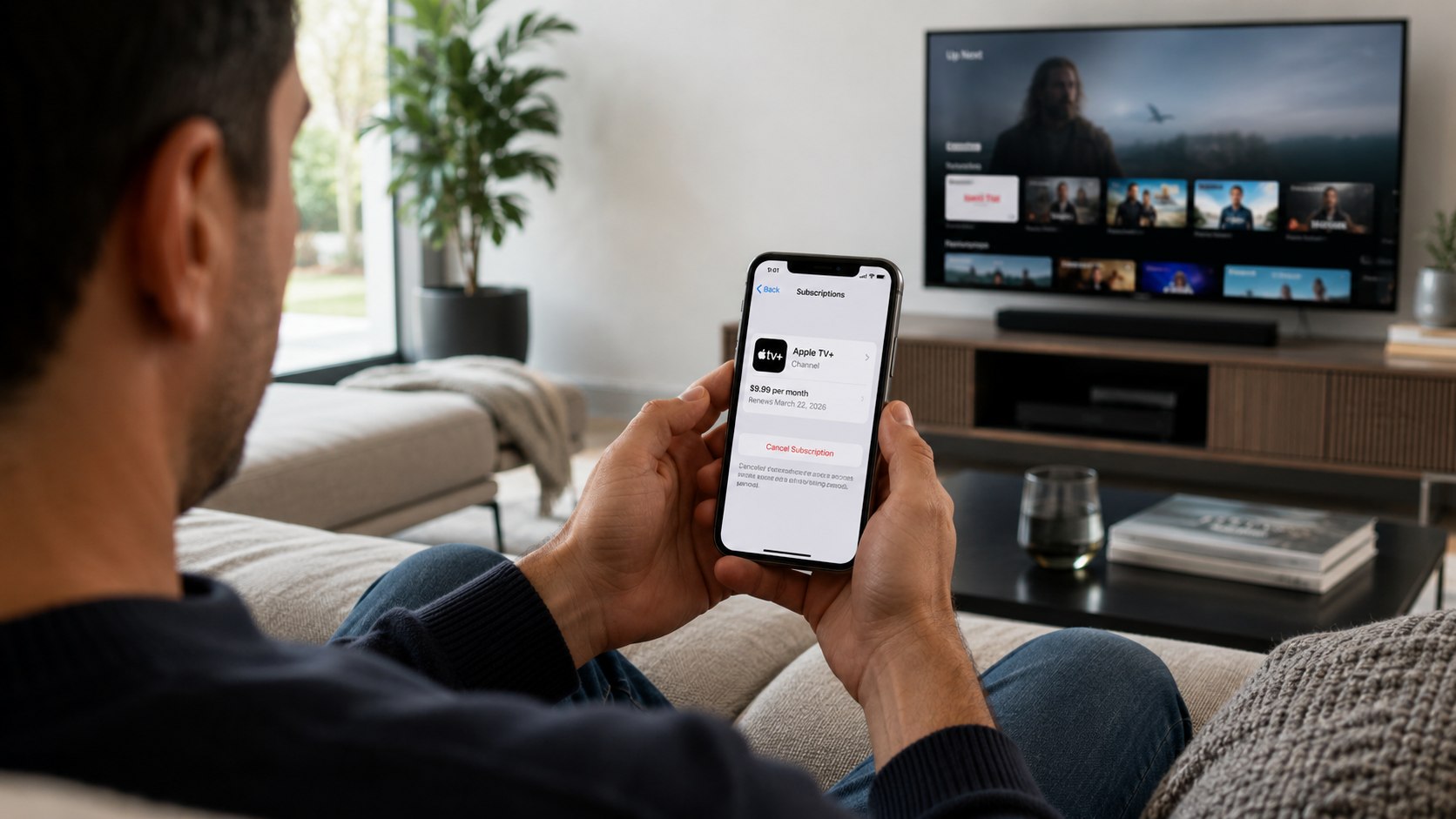
How to cancel Apple TV Plus 2026 depends on where Apple bills your subscription. Most users can stop renewal within 3–5 minutes through iPhone Settings, the App Store, or tv.apple.com. Canceling prevents the next charge, while a refund requires a separate request through Apple’s Report a Problem service, as noted by Baltimore Chronicle.
Start by opening your Apple Account subscription list. Select Apple TV, choose “Cancel Subscription,” and save the confirmation. Your access will usually continue through the date already paid for unless Apple displays different terms.
Key takeaways
- Cancel through the Apple Account that originally purchased Apple TV, not simply through the television app.
- Apple TV costs $12.99 monthly in the United States as of July 2026, after any eligible trial.
- Cancellation stops future billing, but it does not automatically refund the latest Apple TV charge.
Apple currently lists its US Apple TV subscription at $12.99 per month after a 7-day free trial. Apple One plans, which may include Apple TV, start at $19.95 monthly. Prices and trial eligibility can change, so check the renewal screen before confirming.
The critical distinction is simple: cancellation controls future charges, while a refund addresses money already collected.
What you need before canceling Apple TV
Gather the correct account details before opening the subscription menu. This prevents a common problem in households where several people use different Apple Accounts on the same iPhone, Mac, or television.
- The iPhone, iPad, Mac, Windows PC, or browser used with the subscription
- Your Apple Account email address or phone number
- Your Apple Account password or access to two-factor authentication
- Approximately 3–10 minutes
- The Apple receipt, bank charge, or renewal date if you want a refund
- Access to the family organizer’s account when Family Sharing is involved
You do not need the original Apple TV device or remote. A browser is sufficient when you can sign in to the correct account. You should also check whether Apple TV is included through Apple One, a student benefit, or a promotional device offer.
Canceling the wrong subscription can remove another service without stopping the expected Apple TV charge. Review the billing description and renewal price before selecting any button.
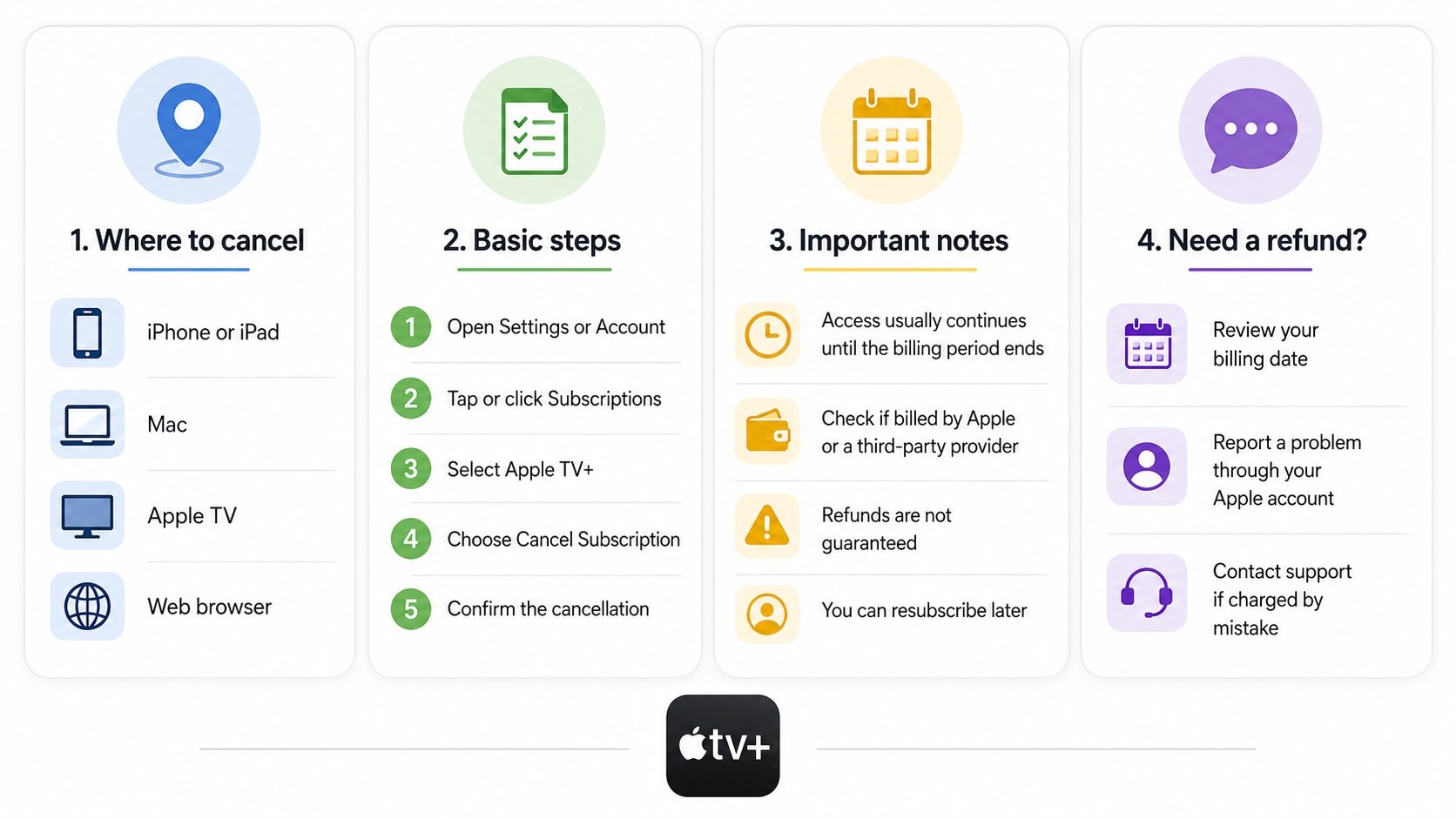
How to Cancel Apple TV Plus 2026: 8 Steps
Step 1: Identify the Apple Account that pays for Apple TV
Open the latest Apple receipt and check which email address appears on it. You can also search your inbox for “Your receipt from Apple.”
This matters because subscriptions are attached to an Apple Account, not to a particular iPhone or television. Avoid signing in with a work, former, or secondary account simply because it is active on the device.
Step 2: Check whether Apple bills the subscription directly
Look for Apple TV under Settings, your App Store account, or tv.apple.com. If it is absent, review the charge through your mobile carrier or another service provider.
This establishes who controls renewal and customer support. Do not assume deleting the Apple TV app cancels a paid subscription.
Step 3: Open Subscriptions on an iPhone or iPad
Open Settings, tap your name, select “Subscriptions,” and choose Apple TV. Tap “Cancel Subscription,” then complete any confirmation screen.
Apple’s instructions use this path for both iPhone and iPad. If no cancel button appears, the subscription may already be canceled.
A common mistake is closing Settings after the first cancellation prompt. Continue until the account displays an expiration date or confirms that automatic renewal is off.
Step 4: Cancel Apple TV on a Mac
Open the App Store, click your name, and select “Account Settings.” Find “Subscriptions,” choose “Manage,” open Apple TV, and select the cancellation option.
This method is useful when your iPhone uses another Apple Account. Avoid changing only the Apple TV app profile because that does not necessarily alter App Store billing.
Step 5: Cancel through a web browser
Visit tv.apple.com, sign in, select the account icon, and open Settings. Scroll to “Subscriptions,” choose “Manage,” and select “Cancel Subscription.”
This method works for users without an available Apple device. Confirm that the browser has signed into the account shown on your receipt.
Using a saved login belonging to another household member is a frequent reason Apple TV appears missing.
Step 6: Check whether Apple TV is part of Apple One
Open the Apple One subscription details before canceling individual services. Apple TV may be included in an Individual, Family, or Premier bundle rather than billed separately.
This matters because canceling Apple One can affect Apple Music, iCloud+, Apple Arcade, and other bundled services. Do not cancel the entire bundle until you compare its total price with the services you intend to keep.
Step 7: Record the access end date
After cancellation, note the expiration date shown beside Apple TV. Take a screenshot or save the confirmation email for your records.
The date tells you how long your current access remains available. Avoid assuming that cancellation immediately removes access or guarantees a prorated refund.
Step 8: Verify that renewal is off
Return to the subscription page and confirm that Apple TV shows an expiration date rather than a renewal date. Check your email for an Apple confirmation.
This final check protects against incomplete cancellation flows and account confusion. Do not rely only on the disappearance of a show, app icon, or television profile.
Which cancellation method should you use?
The correct route depends mainly on the device available and the account handling payment. The options below produce the same basic result when Apple bills the subscription directly.
| Situation | Where to cancel | Typical time | Main issue to check |
|---|---|---|---|
| iPhone or iPad available | Settings → Name → Subscriptions | 3–5 minutes | Correct Apple Account |
| Mac available | App Store → Account Settings | 3–6 minutes | App Store login |
| No Apple device available | tv.apple.com → Settings | 5–10 minutes | Browser’s saved account |
| Apple One subscriber | Apple Account subscription settings | 5–10 minutes | Impact on bundled services |
| Family Sharing household | Purchaser or organizer’s account | 5–15 minutes | Who originally subscribed |
| Subscription not listed | Receipt, carrier, or billing provider | Varies | Third-party billing |
The iPhone route is usually fastest, but it is not inherently more effective than canceling online. Each method changes the same subscription record when the correct Apple Account is used.
The “subscription not listed” scenario requires more investigation. Search your email for the receipt and compare its date with the bank transaction. An Apple charge may also cover an app, movie purchase, iCloud storage, or another service.
Do not dispute the payment immediately if you recognize Apple as the merchant but cannot identify the product. First inspect Apple’s purchase history. A premature bank dispute may complicate account access while the transaction is reviewed.
How to request an Apple TV refund
Canceling Apple TV renewal does not submit a refund request. To ask for money back, sign in at reportaproblem.apple.com with the Apple Account used for the purchase.
Select “I’d like to,” choose “Request a refund,” provide the reason, select the Apple TV charge, and submit the request. Apple generally provides a status update after reviewing the request, although the final return to your payment method may take longer.
“If there is no Cancel button or you see an expiration message in red text, the subscription is already canceled.”
Apple Support, subscription cancellation instructions.
Refund approval is not automatic. Apple evaluates the account, purchase, reason, local rules, and transaction circumstances. A forgotten renewal, duplicate charge, unauthorized purchase, or unusable service may require different evidence.
State consumer-protection rules may affect individual disputes, but Apple’s online process is the practical first step for customers in California, Maryland, Texas, Florida, New York, and other states. Keep the receipt, submission confirmation, and case status until the issue is resolved.
Cancel first when another renewal is approaching, then submit the refund request for the charge already posted.
What happens after you cancel?
For most paid monthly subscriptions, Apple TV remains available until the end of the current billing period. The subscription page should display the final access date after cancellation.
Canceling does not delete your Apple Account, erase purchased movies, or remove the Apple TV app. It only stops the selected subscription from renewing. Rentals and third-party channel subscriptions may follow separate billing rules.
Family members can lose Apple TV access when the shared subscription expires. This includes household members who never handled the original payment. Tell other users before the final date if they are watching a series or using shared profiles.
The regular US price is $12.99 monthly as of July 2026. Canceling one unused subscription at that price prevents about $155.88 in charges over 12 months, before taxes or future price changes.
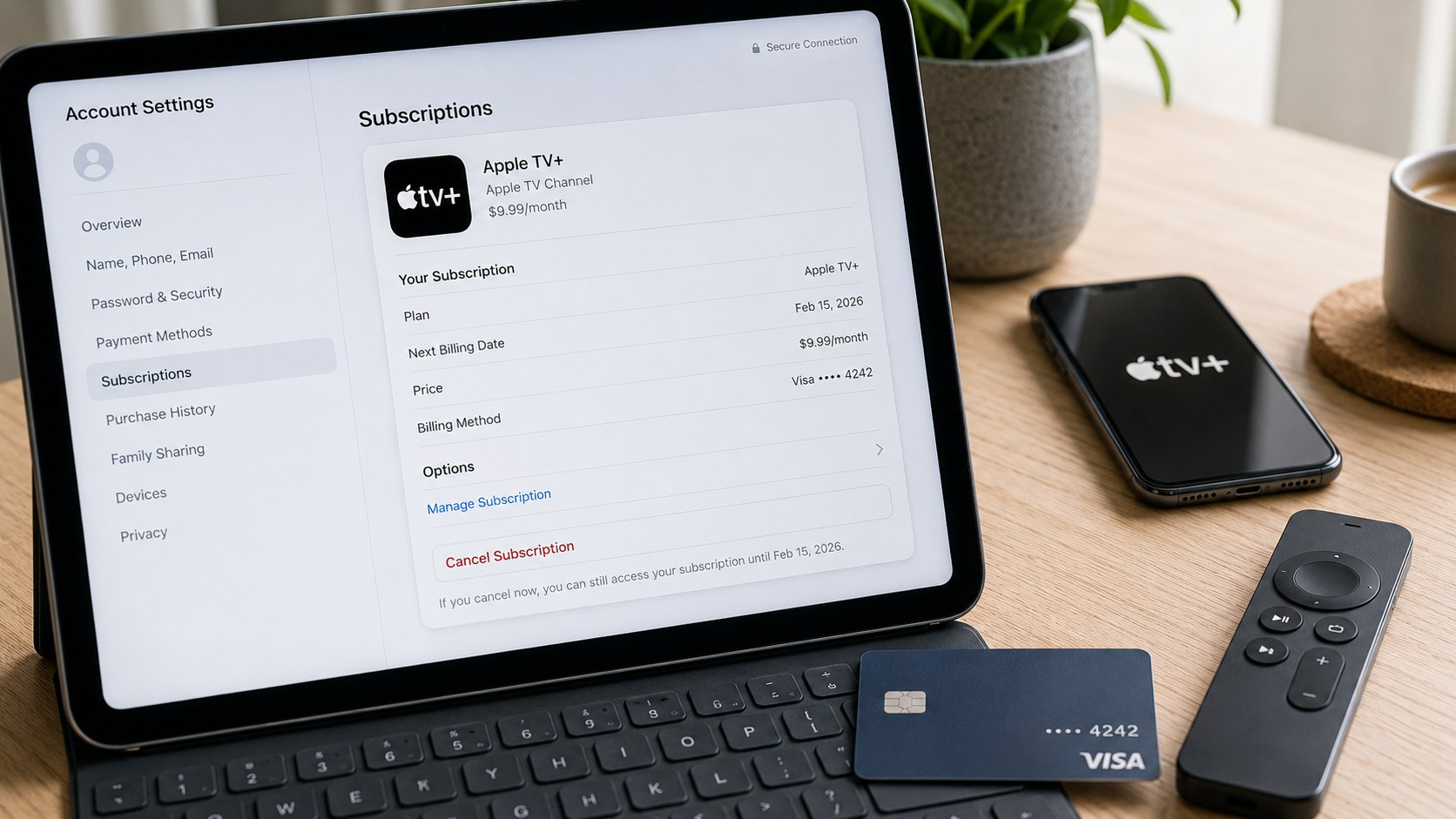
Troubleshooting Apple TV cancellation problems
Most problems arise from account mismatches, bundled billing, or incomplete confirmation screens. Use these scenarios before contacting support:
- Apple TV is missing: Check other Apple Accounts, Family Sharing, email receipts, and your card statement.
- No cancellation button appears: Look for an expiration message showing that renewal is already disabled.
- You were charged after canceling: Compare the cancellation time, renewal date, receipt date, and confirmation email.
- The charge says Apple but looks unfamiliar: Review Purchase History and ask family members about shared purchases.
- Refund request is unavailable: Confirm the transaction has finished processing and use the purchasing Apple Account.
A pending bank authorization may appear before Apple provides a final receipt. Wait until the charge posts before assuming a second payment occurred. Compare exact amounts because taxes can make a subscription charge differ slightly from the advertised price.
If the subscription came through another company, Apple may not control the cancellation. Contact the provider named on the receipt or statement. Keep screenshots of every account page and confirmation.
When you cannot regain access to the purchasing Apple Account, begin account recovery through official Apple Support. Do not create another account and expect the subscription to transfer automatically.
If an unrecognized charge appears fraudulent, secure the Apple Account first. Change the password, review trusted devices, and contact the card issuer after checking Apple’s purchase history.
FAQ
Can I cancel Apple TV Plus before the free trial ends?
Yes. Cancel through your Apple Account subscription settings before the listed renewal time. Trial access may end immediately in some situations, so read the confirmation message before proceeding.
Will I receive a refund after canceling Apple TV?
No automatic refund is created. Submit a separate request through Apple’s Report a Problem service. Approval depends on the transaction and Apple’s assessment.
Why can’t I find Apple TV under Subscriptions?
You may be using the wrong Apple Account, receiving Apple TV through Apple One, or paying another provider. Check the original receipt and bank statement.
Can I cancel Apple TV from a Roku, Fire TV, or smart television?
You can often open account settings through the Apple TV app, but browser cancellation is more consistent. Sign in at tv.apple.com and manage the subscription there.
Does deleting the Apple TV app stop billing?
No. Removing an app does not cancel its subscription. You must disable renewal through the account or provider handling the payment.
Can I keep watching after I cancel?
Usually, paid access continues until the displayed expiration date. Check your subscription confirmation because trial and promotional terms can differ.
Earlier we wrote about How Much Does How to Replace iPhone Battery at Apple Store 2026 Cost in 2026?