

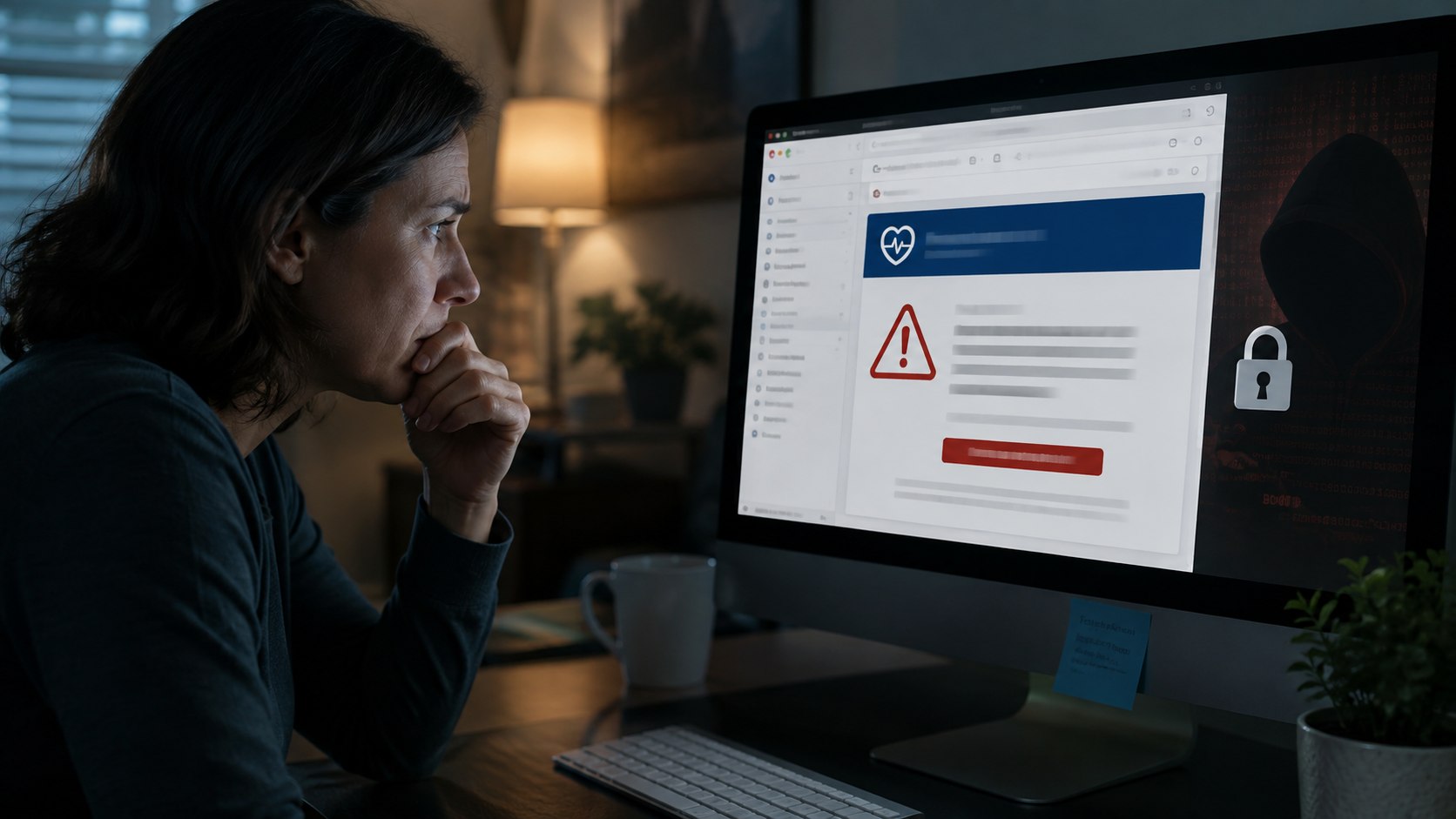
MyChart scam emails are showing patients frightening fake medical results before directing them toward malicious downloads. The messages imitate familiar healthcare notifications and may claim that new laboratory results require immediate attention, as reported by Baltimore Chronicle.
Fake MyChart emails copy the real patient portal
The latest fake MyChart email campaign goes beyond ordinary password theft. Epic, the company behind MyChart, warns patients that criminals have copied parts of the legitimate website.
Victims may receive an email saying their recent results are ready. A sign-in button then opens a fraudulent page resembling MyChart. Epic says the increase in scams does not indicate that MyChart itself was breached.
The fake portal can even display invented laboratory results. Some versions claim an “AI-powered review” detected dangerous patterns in blood work. The goal is simple: frighten patients into acting before they verify the message.
How the MyChart phishing scam installs malware
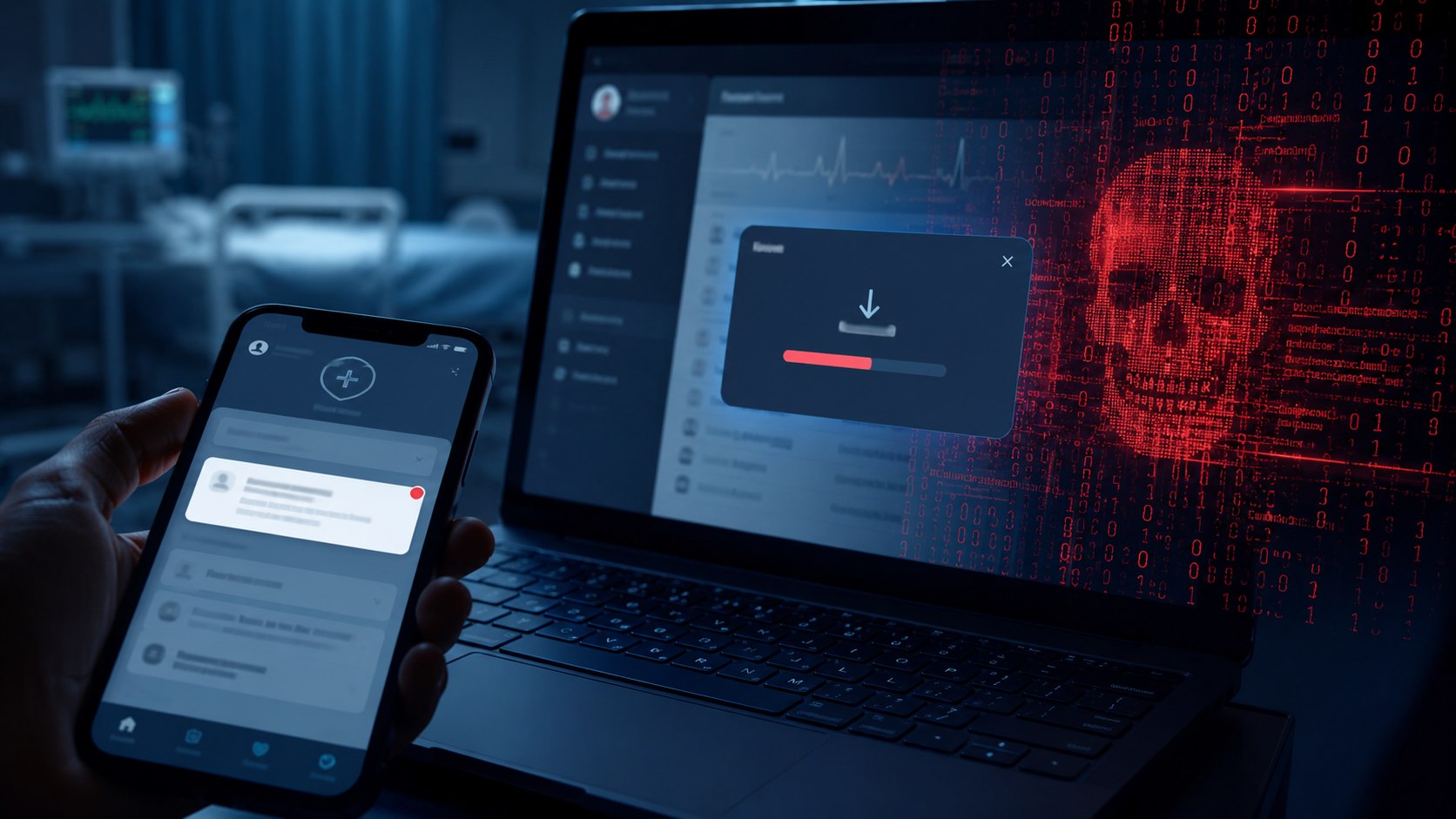
Epic documented a version that asked visitors to complete a supposed human verification process. The instructions involved keyboard commands capable of running malware on a Windows computer.
Another version detected in August 2026 showed alarming lab values and an “Unlock Full Report & See Diagnosis” button. Clicking it downloaded an executable file. Users were then encouraged to bypass the Windows security warning.
Legitimate laboratory results appear directly inside MyChart. Patients do not need to download software to read them.
Healthcare provider GBMC HealthCare has issued a separate warning about fraudulent MyChart emails and texts.
Common warning signs include:
- unexpected requests to sign in through an email link;
- instructions to use keyboard shortcuts or computer commands;
- requests for passwords or verification codes;
- downloads claiming to contain medical reports;
- urgent messages designed to provoke fear.
The appearance of a MyChart logo does not prove that a message is genuine. Patients should open their healthcare provider’s official app or website independently.
What to do after clicking a fake MyChart link
Epic recommends changing the MyChart password after suspected exposure. Patients should also check the email address and phone number connected to their account.
| Situation | Recommended action |
|---|---|
| Suspicious email received | Do not click its links |
| Fake login details entered | Reset the MyChart password |
| Program downloaded | Do not open or run it |
| Malware may have executed | Secure the computer and accounts |
| Account details changed | Contact the healthcare provider |
Patients should contact their healthcare organization’s help desk if they believe an account was compromised. Penn Medicine has also warned that fraudulent MyChart emails and texts are circulating nationwide.
Medical urgency is precisely what makes this phishing campaign effective: the fake diagnosis is designed to make victims react before checking the source.
Earlier we wrote about Where can Baltimore County students get free tutoring? BCPL expands Brainfuse access