

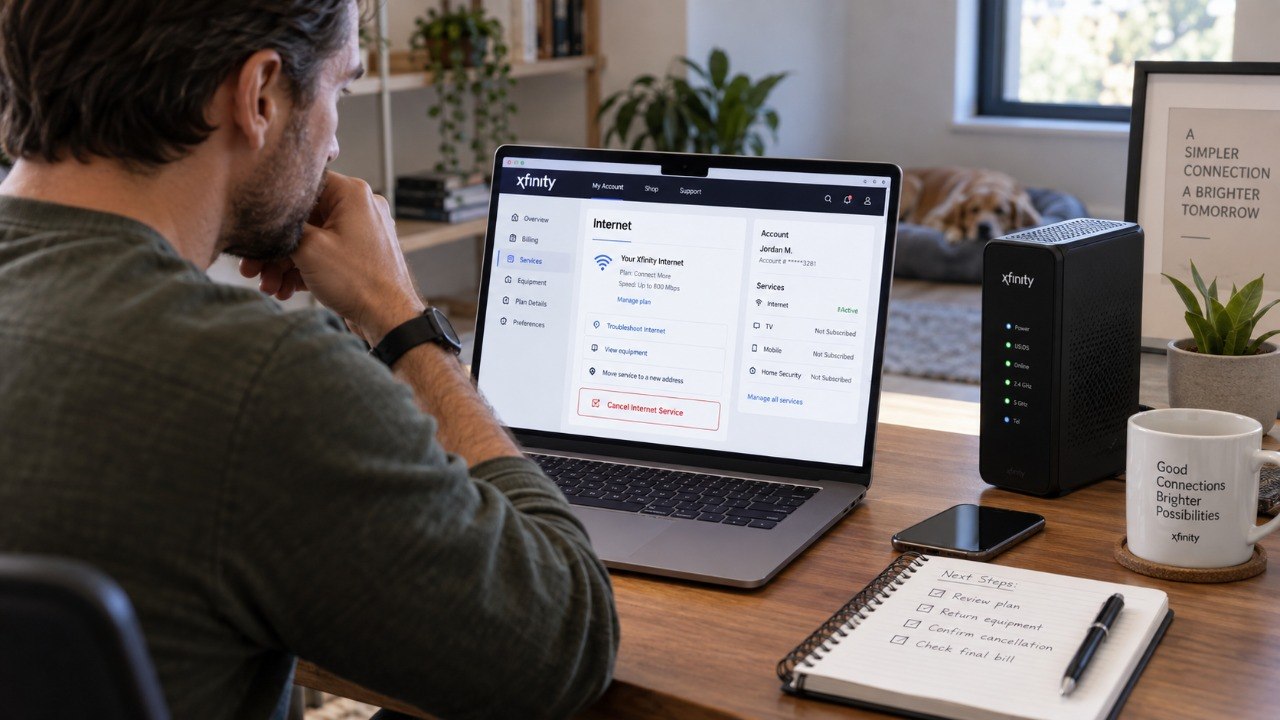
How to cancel internet at xfinity comcast 2026 starts with choosing a cancellation date and contacting Xfinity directly. Customers can call 1-800-XFINITY, schedule a callback, or visit an Xfinity Store. Most requests take only several minutes to submit, although equipment returns and final billing continue afterward, as the Baltimore Chronicle editorial team notes.
The critical detail is not the cancellation request itself. It is making sure rented equipment disappears from the account and the final bill matches the requested disconnect date. Customers with older minimum-term agreements should also check whether an early termination fee, or ETF, applies.
“No, there is no annual contract or early termination fee. You can cancel any time without a penalty.”
Xfinity, current Internet plan FAQ, 2026. The statement applies to Xfinity’s current advertised Internet plans.
How to cancel internet at Xfinity Comcast 2026: key takeaways
Cancellation is straightforward when the account information, equipment list, and requested shutoff date are prepared first. These 3 points prevent most billing problems afterward.
- Use Xfinity’s official cancellation channels and request a specific service termination date.
- Check older agreements before canceling because some legacy minimum-term plans can still carry an ETF.
- Return every rented gateway or other listed device and keep the receipt or UPS tracking number.
Xfinity’s current Internet offers generally have no annual contract or ETF. Older accounts can be different because previous promotions sometimes included minimum-term commitments. A move also does not automatically cancel service, so customers should distinguish a transfer from a complete disconnect.
Autopay should not be treated as proof that service has ended. Turning it off merely changes the payment method. The cancellation confirmation and final account activity matter more.
Cancellation is complete only when the service status, equipment record, and final balance all agree.
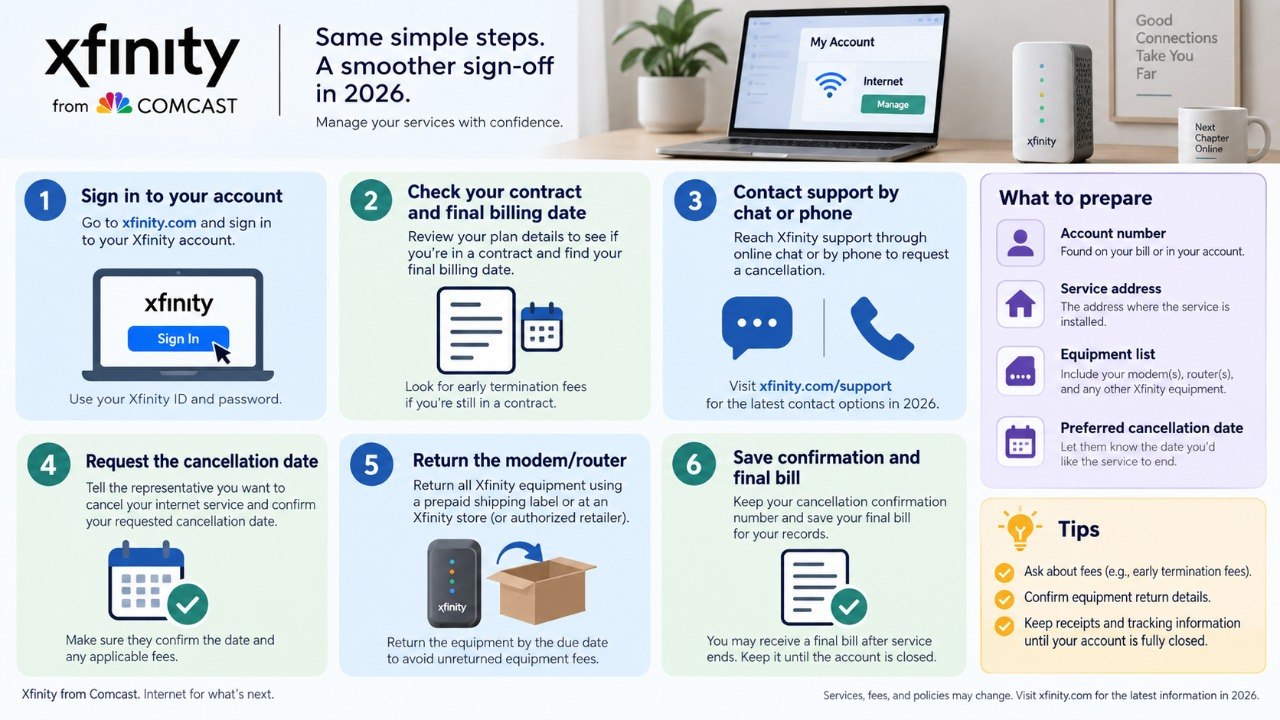
Step 1: Gather what you need before contacting Xfinity
Start by opening the Xfinity account and confirming the service address. Have the account holder’s name and Xfinity ID available. This prevents delays when an agent needs to verify authorization.
The preparation list is short, but each item serves a purpose:
- Xfinity ID and account password
- Service address and preferred cancellation date
- Latest bill or account number
- List of rented Xfinity equipment
- Existing contract or minimum-term agreement, if one appears on the account
- About 15–30 minutes for the request and confirmation
Customers moving homes should first decide whether they want cancellation or transfer. Xfinity offers a separate relocation process for addresses inside its service area. Baltimore-area households can also use the Baltimore Chronicle homepage for related local consumer and relocation coverage.
Renters should check lease dates before choosing their disconnect date. A few days of overlap can be preferable to losing Internet before a remote-work deadline.
Step 2: Check for an early termination fee before canceling
Before submitting the request, look for a minimum-term agreement. This matters because does Xfinity charge an early termination fee depends partly on when and how the plan began.
Xfinity says its current Internet plans have no annual contract or early termination fee. Its residential agreement still states that customers under a minimum-term agreement may face an ETF. That distinction matters most for legacy accounts.
| Account situation | Likely 2026 treatment | What to verify |
|---|---|---|
| Current no-contract Internet plan | No ETF advertised | Current plan details and bill |
| Older minimum-term promotion | ETF may apply | Signed term agreement |
| Service transfer to another address | Different process from cancellation | New-address availability |
| Internet plus Xfinity Mobile | Mobile pricing may change | Mobile plan generation and discounts |
A quoted ETF should be compared with the actual agreement on the account. Do not rely only on an old promotional advertisement. Legacy Xfinity agreements have historically used declining termination charges.
The amount can depend on the remaining term. Current mainstream Internet offers are advertised differently in 2026. Customers disputing an ETF should request the agreement supporting the charge rather than guessing from older examples online.
The official Xfinity Internet page explains the company’s current Internet offers and contract terms.
Step 3: Submit the Xfinity cancellation request
The official Xfinity cancellation process allows residential customers to contact support, request a callback, or visit a retail store. State clearly that the Internet service should be disconnected.
Ask for a specific effective date. This matters because saying only that a household is moving can lead to a transfer discussion instead of cancellation. A common mistake is accepting a plan change when the intention is to close the service entirely.
Follow these steps:
- Sign in to the Xfinity account before starting.
- Confirm the exact service address.
- State that Internet service should be canceled.
- Provide the requested disconnect date.
- Ask whether any minimum-term fee applies.
- Request confirmation of the cancellation.
- Save the confirmation email, chat record, or reference number.
Do not end the process after hearing a verbal confirmation. Check that the representative has the correct date. Confirm whether other products remain active.
Ask what equipment Xfinity expects back. Save screenshots when cancellation details appear online. Review the account again after the effective date. These records become useful if billing continues unexpectedly.
Stopping autopay is not the same as canceling Xfinity Internet service.
Step 4: Return the Xfinity modem and rented equipment
How to return Xfinity equipment after cancellation is the part most likely to create avoidable charges. Xfinity provides its Digital Return Center, retail-store returns, and prepaid UPS shipping options.
The company says customers can access the return process even after service has disconnected. An Xfinity ID and password are normally required online. Match each listed device against its serial number before shipping anything.
Common return options include:
- Bring equipment to an Xfinity Retail Store and obtain a receipt.
- Create a prepaid UPS label through the Digital Return Center.
- Pack the gateway securely and retain the UPS tracking information.
- Return the device, remote, and power cord when Xfinity identifies them as required.
- Keep proof of return until the final account shows no equipment balance.
An in-store return can be reflected faster than a shipped package. A mailed return may need additional processing time after UPS delivers it. That makes the receipt especially important.
Photograph the serial number before handing over a gateway. Keep the shipping receipt after UPS accepts the package. Recheck the account once tracking shows delivery. An equipment charge is easier to challenge with both serial and tracking records.
The official Xfinity equipment-return instructions explain available return methods.
Step 5: Check Xfinity Mobile, bundles, and the final bill
Canceling Internet can affect services that are not being canceled. This is particularly relevant for customers who also have Xfinity Mobile.
Mobile pricing can depend on the plan generation and any multi-product discounts attached to Internet service. Customers who plan to keep mobile service should check the expected monthly price before broadband is disconnected.
This makes cancel Xfinity Internet but keep mobile a separate billing decision. Review the Mobile account before disconnecting broadband rather than discovering a change on the next statement.
Final Internet bills can also contain prorated service adjustments, equipment charges, credits, or remaining balances. The last statement may therefore differ from a normal monthly bill.
Step 6: Confirm that the account is actually closed
Check the Xfinity account after the requested disconnect date. The Internet service should show as ended, and returned rental equipment should eventually disappear from the account record.
Review the final statement line by line. This catches charges associated with an incorrect disconnect date, missing equipment, or a remaining service. A common mistake is discarding return documentation immediately after the package arrives.
Xfinity’s residential terms state that customers remain responsible for applicable charges connected with service and unreturned equipment under the agreement.
Source: Xfinity Residential Services Agreement, termination provisions.
Keep cancellation confirmations and equipment receipts through the final billing cycle. If the account shows a credit, monitor how the refund is handled. If a charge appears incorrect, contact Xfinity with the cancellation reference and return evidence.
Do not simply reverse a card payment while the account remains disputed. An unresolved balance can create a separate billing or collections issue.
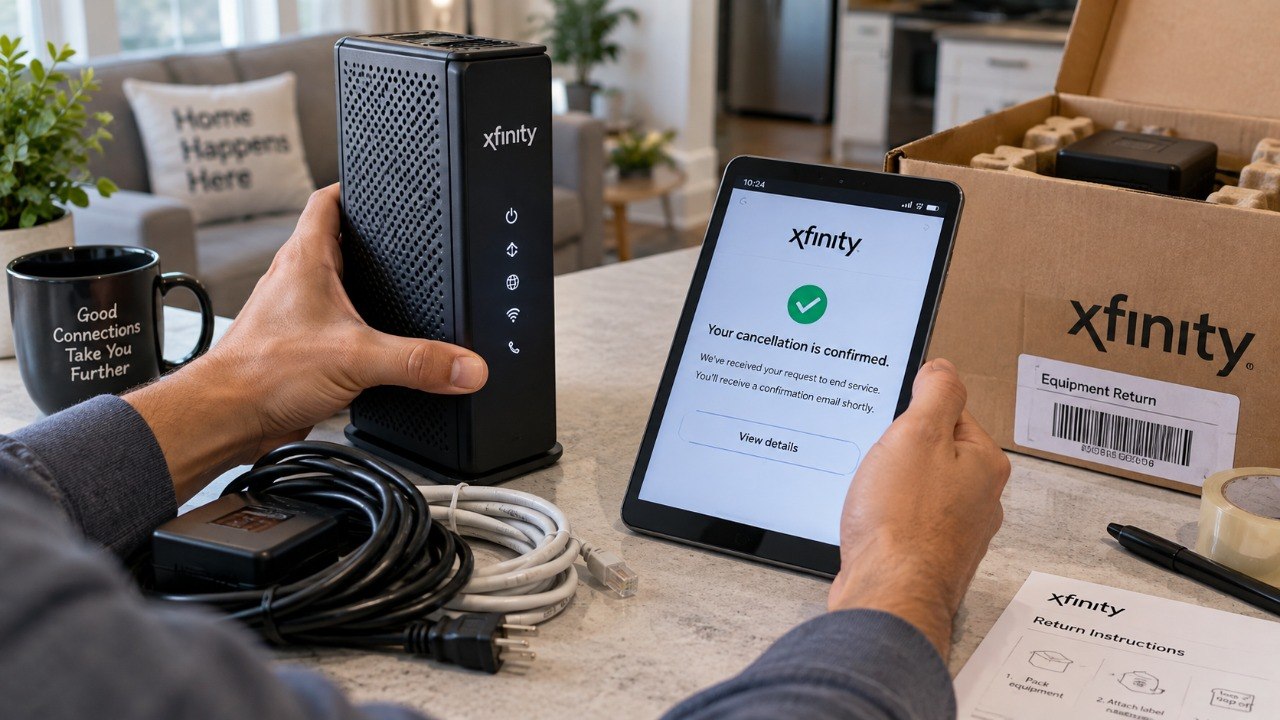
Troubleshooting Xfinity cancellation problems
Most cancellation problems fit a few recognizable patterns. The useful response depends on whether the issue concerns access, equipment, billing, or a contract.
- Xfinity cancellation not working: contact official support, schedule a callback, or visit an Xfinity Store.
- Equipment still appears after UPS delivery: allow processing time, then provide the tracking number and serial number.
- An ETF appears unexpectedly: request the minimum-term agreement supporting that specific fee.
- The next monthly charge appears after cancellation: compare billed dates with the confirmed disconnect date.
- Xfinity Mobile becomes more expensive: check whether an Internet-linked discount or legacy pricing condition changed.
The fastest dispute is usually the one supported by documentation. Save the cancellation date, reference number, return receipt, and delivery confirmation together.
Compare any charge with the final statement instead of relying on the account balance alone. If a representative changes the cancellation date, request new confirmation. If equipment was returned in-store, keep the receipt until the account is fully settled.
FAQ about canceling Xfinity Internet in 2026
Can I cancel Xfinity Internet online in 2026?
Xfinity offers several cancellation channels, including customer support, callback options, and retail stores. Available account options can vary by service type and location.
What number do I call to cancel Xfinity Internet?
Xfinity customer service is commonly reached at 1-800-XFINITY, or 1-800-934-6489. Customers should verify the current number on Xfinity’s official support pages before calling.
Does Xfinity have a cancellation fee in 2026?
Current advertised Xfinity Internet plans generally do not require an annual contract or ETF. Older minimum-term agreements may still contain termination provisions, so the actual account contract should be checked.
How long do I have to return Xfinity equipment?
Return rented equipment promptly after cancellation. Shipped equipment may take additional time to appear as received on the account.
Can I keep Xfinity Mobile after canceling Internet?
In many cases, yes. However, discounts or standalone pricing can change depending on the Mobile plan and when it was purchased.
Should I turn off autopay before canceling Xfinity?
Autopay and service cancellation are separate actions. Cancel the service formally first, then monitor the final bill and payment settings.
Earlier we wrote about Why Old Wood Furniture Turns Blotchy After Staining and How to Refinish It Correctly