


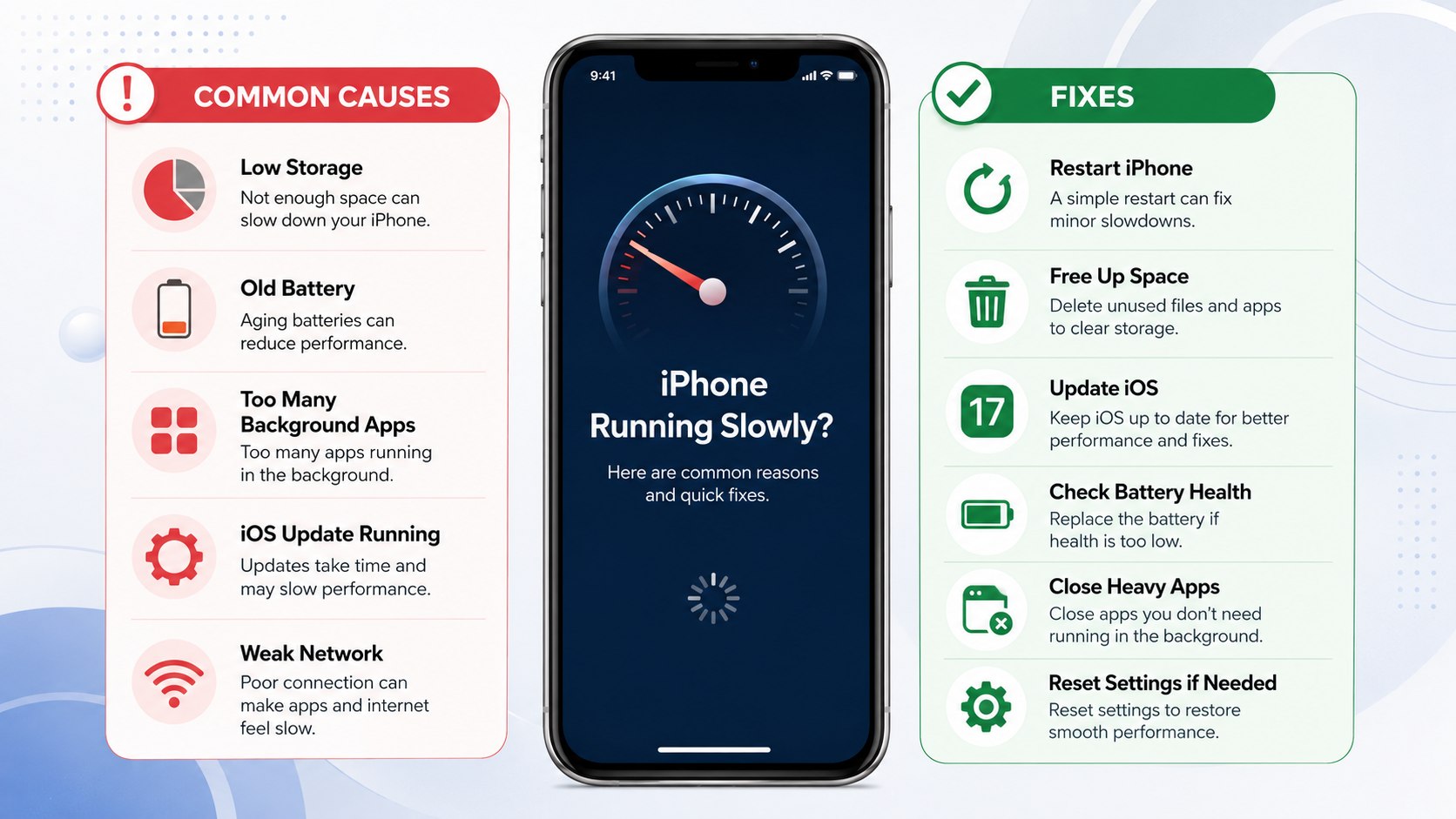
Why is my iPhone slow 2026? The usual causes are low storage, battery aging, heat, power-saving settings, or one misbehaving app. Start by restarting the phone, checking storage, and reviewing Battery Health before deleting anything important, as noted by Baltimore Chronicle.
If the slowdown began suddenly, do not assume the iPhone is simply too old. A recent update, nearly full storage, weak cellular service, or background syncing can make a healthy device feel sluggish. Apple also confirms that temperature and battery condition can temporarily affect performance.
The fastest diagnosis is simple: determine whether everything feels slow or only one app, website, or network connection does.
Key takeaways
- Check Settings → General → iPhone Storage and create free space before trying aggressive resets.
- Review Battery Health because an aged battery can trigger performance management and reduce peak responsiveness.
- Test the phone while cool, charged, and off Low Power Mode before blaming the hardware.
These 3 checks separate common software problems from aging hardware. They also prevent unnecessary factory resets. Slow Safari alone usually points toward connectivity or website problems. Slow animations across iOS suggest a broader device issue. Persistent lag after basic troubleshooting deserves closer battery or hardware inspection.
Why is my iPhone slow 2026: diagnose the cause first
An iPhone running slow can produce several different symptoms. Apps may take longer to open, the keyboard can hesitate, scrolling may stutter, and the camera may take longer to become ready.
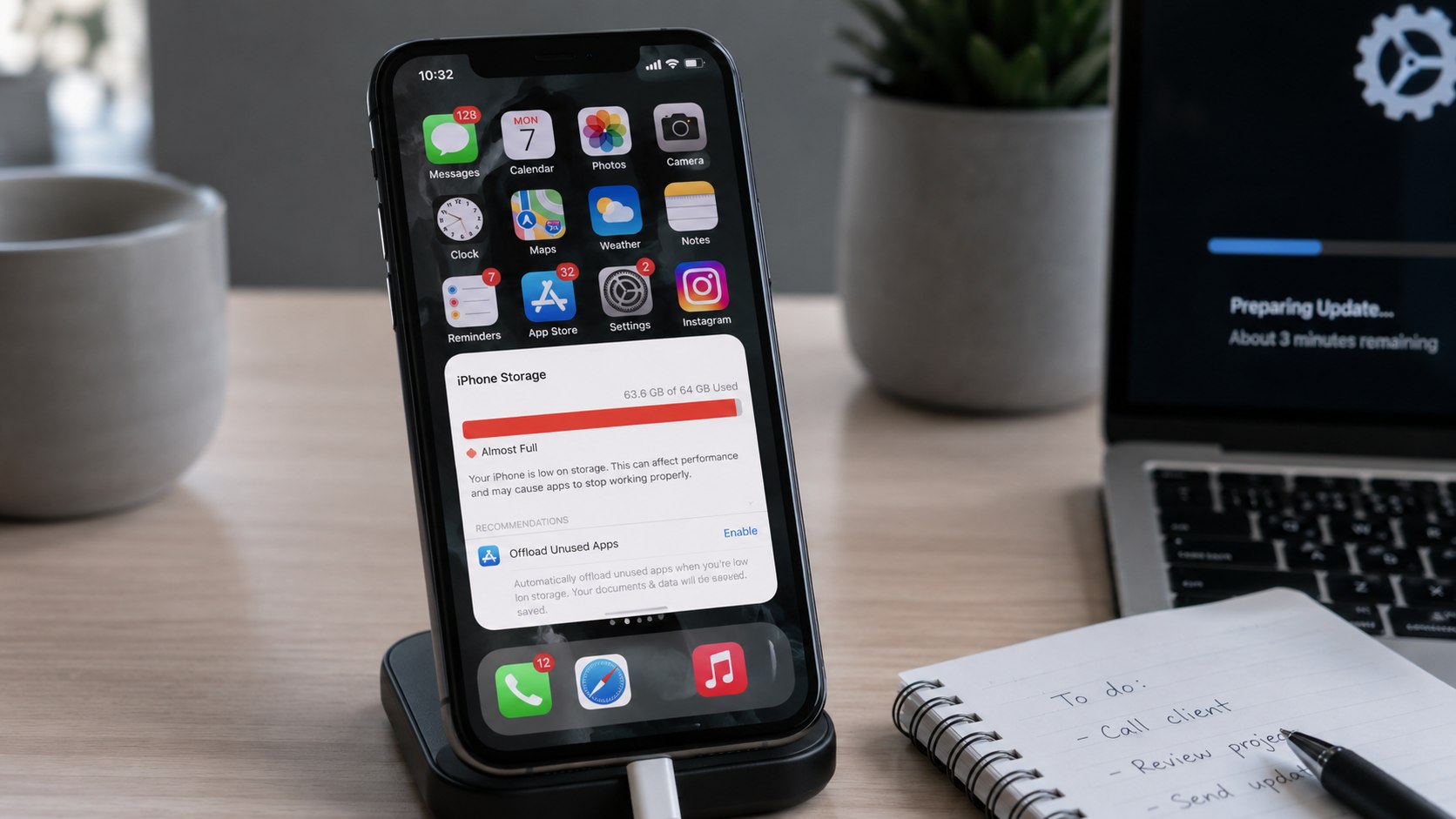
First, open Settings → General → iPhone Storage. Apple recommends checking available storage when an iPhone becomes slow. Its support guidance says keeping at least 1 GB free can help avoid slowdowns.
However, treating 1 GB as a target is unwise. Photos, system updates, downloads, and temporary files need working room. A phone hovering near maximum capacity can repeatedly become constrained.
| Symptom | Likely cause | First check |
|---|---|---|
| Everything feels slow | Storage, battery, heat, power settings | Storage and Battery settings |
| One app freezes | App bug or corrupted data | Update or restart that app |
| Safari loads slowly | Wi-Fi, cellular, DNS, website | Try another network |
| Phone slows while charging | Heat or intensive background work | Check device temperature |
| Lag began after setup | Photos, apps, or iCloud syncing | Leave connected to power and Wi-Fi |
| Older phone lags under load | Battery aging or hardware limits | Battery Health |
The pattern matters more than one isolated delay. Network latency can imitate processor lag. Background restoration can also consume resources temporarily. Heat can produce another temporary slowdown. Battery degradation becomes more likely when problems persist under ordinary conditions.
Start with storage, apps, and a restart
Storage is the easiest problem to verify. Open Settings → General → iPhone Storage and review the largest categories. Apple shows recommendations plus per-app usage on this screen.
Large video collections, downloaded streaming content, Messages attachments, podcasts, and games can consume dozens of gigabytes. Removing unused downloads is safer than randomly deleting app data.
You can also offload applications that are rarely used. Offloading removes the app itself while preserving supported documents and data. Reinstalling it later restores access without starting completely over.
Next, restart the iPhone. Then update any app that repeatedly freezes or crashes. Apple specifically advises closing an app when that app stops responding.
“Force closing apps unnecessarily can slow down your device because force closing apps takes longer to reload all of the data.”
Apple Support, guidance for an iPhone or iPad running slowly.
This distinction matters because constantly swiping away every application is not a useful maintenance routine. iOS manages suspended applications automatically. Force-close an application when it is stuck. Do not treat the app switcher as a task manager.
Before major cleanup, consider making a backup. Baltimore Chronicle explains how to back up an iPhone to iCloud in 2026 before repairs or troubleshooting.
Check Battery Health before replacing the phone
A chemically aged battery can affect more than operating time. Apple says iOS may manage peak performance when a battery cannot reliably supply required power. This system is designed partly to reduce unexpected shutdowns.
Open Settings → Battery and find Battery Health information available for your model. Look for warnings about degraded battery condition or reduced peak performance capability.
iPhone battery health deserves attention when several symptoms appear together. The phone may shut down unexpectedly, performance can fall during heavy workloads, and battery percentage may drop faster than before.
A battery replacement can make more sense than buying another phone when performance is acceptable except for battery-related throttling.
Apple says replacing a significantly aged battery can improve performance. AppleCare coverage can also matter. Apple states eligible battery service has no additional charge when capacity falls below 80% under applicable coverage.
Out-of-warranty pricing varies by model and service option in the United States during 2026. Apple provides a model-specific estimator on its battery service page. Authorized providers may set different fees, so check the current estimate before approving service.
Low Power Mode and heat can make a healthy iPhone feel slower
Low Power Mode is designed to extend battery life, not maximize every performance feature. It reduces background activity and changes several behaviors. On ProMotion models, it can limit display refresh rate to 60 Hz.
A user accustomed to 120 Hz scrolling may interpret that change as lag. Check the battery icon. A yellow icon normally indicates Low Power Mode is active.
Temperature is another overlooked cause. Apple specifies an operating ambient range of 32°F to 95°F for iPhone and iPad. Conditions outside that range can change device behavior.
A phone sitting on a dashboard in Arizona or Texas can become noticeably less responsive. Intensive navigation, gaming, video recording, charging, and direct sunlight can increase heat simultaneously.
When the device feels unusually warm, try these steps:
- Move it away from direct sunlight or another heat source.
- Pause gaming, video export, navigation, or other heavy workloads.
- Disconnect charging temporarily if the device is becoming unusually hot.
- Let the phone return to normal temperature naturally.
- Test performance again under ordinary indoor conditions.
Do not place an overheated iPhone in a refrigerator or freezer. Rapid temperature changes can create additional problems. A protective case can also retain some heat during demanding use. Remove it temporarily if charging generates excessive warmth. If ordinary tasks repeatedly cause overheating, service may be appropriate.
The full story
Older iPhones had less performance headroom
Every iPhone generation eventually faces heavier software, websites, applications, photography workloads, and encryption demands. Older processors therefore have less margin for new features. That does not mean every update deliberately makes an old phone unusable.
Battery performance management changed the discussion
Apple introduced performance management on certain older iPhones after unexpected shutdown problems. Modern iOS still considers battery condition, temperature, and available power when managing performance. Apple now exposes considerably more battery information inside Settings.
Storage and cloud services added another layer
Modern iPhones continuously coordinate photos, messages, applications, indexing, backups, and cloud data. That background work becomes noticeable after restoration or major migration.
If the lag started after replacing a device, let syncing finish before diagnosing hardware failure. The Baltimore Chronicle guide to transferring iPhone data in 2026 explains Quick Start, iCloud, and Finder options.
In 2026, software can still imitate hardware failure
One broken application can freeze without affecting the rest of iOS. Slow Wi-Fi can make Maps, Safari, social applications, and streaming services seem sluggish simultaneously.
That is why Apple tells users to check network conditions before assuming the device itself is slow. Changing from congested Wi-Fi to cellular can provide a useful comparison.
What this means today (2026)
Most users should troubleshoot before upgrading. A nearly full phone with a healthy battery may need cleanup rather than replacement. A lightly used phone with a degraded battery may need service instead.
The opposite can also be true. An older iPhone may remain reliable for calls and messaging but struggle with demanding games or editing applications. No storage trick can turn aging hardware into a newer processor.
The best decision depends on what actually feels slow. Measure app opening, keyboard response, scrolling, camera launch, and network loading separately. Then compare behavior after restarting and cooling the device.
If you are already planning replacement, back up first. Baltimore Chronicle also has a guide explaining how to set up a new iPhone without skipping essential transfer steps.
A practical iPhone speed checklist
Use this sequence before performing a factory reset. It starts with reversible changes and ends with the most disruptive options.
- Restart the iPhone and retest the same slow task.
- Check Settings → General → iPhone Storage.
- Remove large downloads or offload applications you rarely use.
- Update iOS and any application that repeatedly freezes.
- Turn off Low Power Mode for a performance comparison.
- Check Battery Health and any service recommendation.
- Let an overheated phone cool naturally before testing again.
- Compare Wi-Fi and cellular performance when internet apps feel slow.
- Back up the phone before resetting settings or erasing data.
Run the tests in this order so each change has a clear result. Avoid changing 10 settings simultaneously. Otherwise, you will not know which action solved the problem. Keep notes if the slowdown appears only at certain battery levels. Persistent problems after these checks can justify professional diagnostics.
When a reset or repair actually makes sense
A full erase should not be the first response to an iPhone performance problem. Backups, account access, eSIM settings, authentication applications, and local files can complicate recovery.
Consider deeper troubleshooting when lag survives a restart, storage cleanup, software updates, and normal operating temperatures. Repeated shutdowns make battery diagnostics especially relevant.
Hardware inspection becomes more reasonable after physical damage, liquid exposure, unexplained overheating, charging problems, or battery warnings. Apple offers in-person and mail-in service options in the United States.
If the phone behaves normally except inside one application, contact that application’s developer first. Replacing an iPhone will not necessarily fix a server-side or account-specific problem.
FAQ
Why is my iPhone suddenly so slow in 2026?
A sudden slowdown often points to storage pressure, heat, syncing, a problematic app, Low Power Mode, or network congestion. Restart first and identify whether every function is affected.
Does full iPhone storage make the phone slower?
It can. Apple recommends checking available storage when troubleshooting slow performance. Keep working space available for applications, updates, caches, and temporary system data.
Does 80% battery health make an iPhone slow?
Not automatically. Battery performance depends on chemical aging and peak power capability, not one percentage alone. However, Apple uses 80% for certain battery-service eligibility conditions.
Should I close all apps to speed up my iPhone?
No. Apple advises force-closing an application when it stops responding. Repeatedly force-closing normal suspended apps can make them take longer to reload.
Why does my iPhone feel slower when Low Power Mode is on?
Low Power Mode reduces background activity and modifies certain features. It can also limit ProMotion refresh rates, making scrolling feel less fluid.
When should I replace a slow iPhone?
Consider replacement when hardware limitations affect essential applications despite a healthy battery and adequate storage. Battery service may be cheaper when aging power delivery is the main problem.
Earlier we wrote about Renter’s Insurance Cost USA 2026: Average Price, Coverage Levels and Ways to Save