

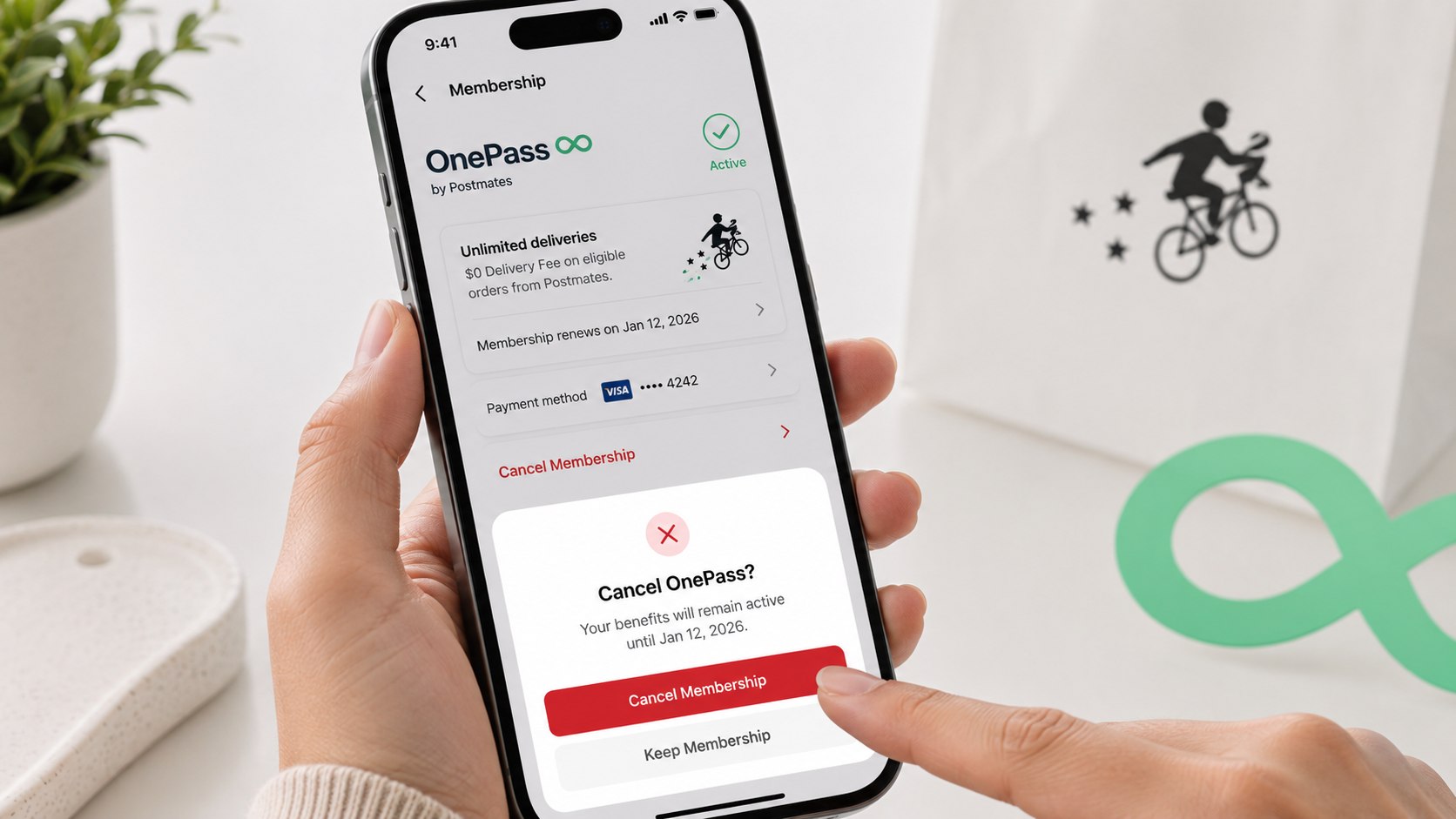
How to cancel onepass postmates 2026 is simpler than the wording suggests. In the US, the membership tied to Postmates is now managed through Uber One. Most users can stop renewal inside Uber or Uber Eats in about 3–5 minutes, as noted by Baltimore Chronicle.
The key is timing. Uber’s current guidance says to cancel at least 48 hours before the next billing date. If renewal is closer, contact Uber Support instead of relying only on the cancellation button.
Key takeaways
- Postmates membership benefits are now handled through Uber One, so look for Uber One rather than an old Postmates subscription screen.
- Cancel at least 48 hours before renewal when possible, then save proof showing that automatic renewal has ended.
- A cancellation stops future billing. It does not automatically guarantee a refund for a membership charge already processed.
This distinction matters because people still search for “OnePass Postmates,” “Postmates Unlimited,” or a Postmates cancellation page that no longer matches their account. Uber currently advertises Uber One in the US at $9.99 per month. Pricing and account-specific promotions should still be checked before cancellation.
What you need
Before opening the cancellation menu, gather enough information to identify the subscription and prove when you canceled it. This is especially useful when a renewal charge has already appeared.
- Your Uber or Uber Eats account login.
- Access to the email and phone number connected to the account.
- Your next Uber One renewal date.
- The card, PayPal account, Apple Pay account, or other payment method being charged.
- A recent bank or credit card statement if the charge is unclear.
- A screenshot tool for recording the final cancellation screen.
- About 5 minutes if the account is accessible.
Do not begin by deleting Postmates, Uber, or Uber Eats from your phone. Removing an app does not terminate an auto-renewing membership. Signing out has the same problem because billing continues at the account level.
It also helps to check whether keeping the plan actually makes financial sense. Baltimore Chronicle’s guide to Uber One membership value in 2026 compares the $9.99 monthly cost with delivery and ride benefits.
If you joined through a trial or promotion, check its expiration separately. Promotional terms can affect when benefits disappear after cancellation.
The safest approach is to treat cancellation and refund requests as 2 separate tasks: first stop renewal, then address any disputed charge.
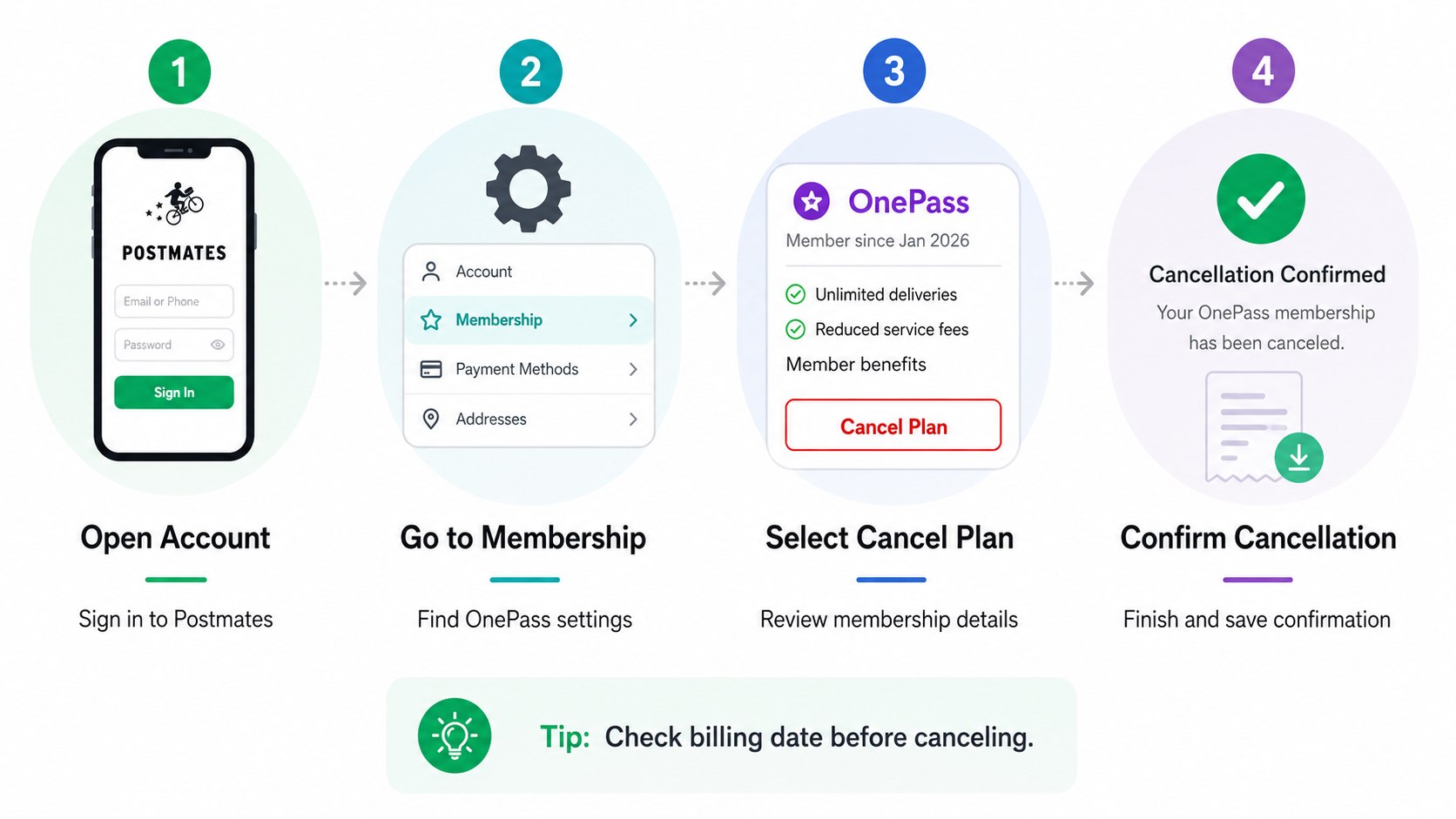
Step 1: Confirm That the Charge Is Uber One
Open your Uber or Uber Eats account and locate the Uber One section. Check the membership status, billing frequency, renewal date, and payment method.
This matters because a Postmates food order, Uber ride, temporary authorization, tip, and Uber One membership can all appear differently on a card statement. Canceling the membership will not reverse an unrelated order or ride charge.
A common mistake is assuming any recurring-looking Uber transaction is a subscription. Compare the amount and date with the membership information before taking action.
Step 2: Open Uber One and Manage the Membership
In the Uber app, tap the account or profile icon. Open Uber One and choose “Manage Membership” or “Manage Subscription.”
Uber’s US help guidance currently directs members through this account area rather than an independent Postmates membership portal. That is why older instructions found through search may show menus that no longer exist.
Do not waste time searching only inside an old Postmates interface. If the account is linked to Uber, manage the current subscription through Uber One.
| Situation | Best action in 2026 | What usually happens |
|---|---|---|
| More than 48 hours before renewal | Cancel through Uber One settings | Future renewal should stop |
| Less than 48 hours before renewal | Contact Uber Support | Support may need to handle cancellation |
| Paid membership canceled | Save confirmation | Benefits generally continue through the paid period |
| Free trial canceled | Check trial terms | Benefits may end immediately |
| Charge already processed | Request a billing review separately | Refund depends on eligibility and circumstances |
The timing column matters more than the wording shown on an old receipt. Uber’s current US help materials refer to a cutoff before the next scheduled billing cycle.
Account screens can still differ between users. App version, promotion, membership type, and account configuration may change labels such as “End Membership” or “Leave Uber One.”
The final status should clearly show that renewal has stopped. A screen merely offering a cheaper plan is not cancellation confirmation.
Take a screenshot before closing the app. Keep any email confirmation as well.
If another charge later appears, those records establish when you acted.
Step 3: End the Subscription and Confirm the Final Screen
Select “End Membership,” “End Subscription,” or the equivalent option. Continue through the confirmation prompts until Uber explicitly confirms that the membership will not renew.
This is the central step in cancel Postmates membership via Uber. Intermediate screens may offer discounts, reminders of benefits, or another chance to keep the plan.
Do not mistake “back,” “not now,” or closing the screen for cancellation. Finish every confirmation step.
“You can always cancel your membership in app or online.”
Uber Help, current Uber One cancellation guidance for riders.
Uber also says paid members generally retain benefits until the end of the current billing period. That means seeing active benefits after cancellation does not necessarily mean cancellation failed.
Check the membership page again. It should indicate an expiration date or show that automatic renewal is disabled.
Step 4: Cancel Before the Renewal Cutoff
For a normal Uber One subscription cancellation, complete the process at least 48 hours before the next scheduled payment. Uber specifically advises users inside that window to contact Support.
This matters because subscription billing can begin processing before the date displayed as renewal. Waiting until the final evening creates unnecessary uncertainty.
A common mistake is canceling on the renewal date and assuming the charge cannot occur. Use the 48-hour buffer instead.
As of 2026, Uber’s official US Uber One page lists the standard monthly membership at $9.99. Someone who misses 4 renewal dates could therefore spend almost $40 before taxes or account-specific pricing differences.
Readers managing several recurring services may also find Baltimore Chronicle’s guide to avoiding unexpected automatic subscription charges useful. The same principle applies: document the renewal date when signing up, not when the charge appears.
A calendar reminder 3 days before renewal is more reliable than expecting an app notification to arrive at the right moment.
Step 5: Request a Refund if Uber One Already Charged You
Cancellation and reimbursement are not the same action. Uber’s published US terms generally state that a membership fee is non-refundable once a billing cycle begins, except where required by law or where Uber determines an account qualifies.
If you need an Uber One refund, open the Help area and report the membership billing issue. Give the charge date, amount, cancellation date, and reason for requesting reimbursement.
Good supporting material includes:
- A screenshot showing cancellation before the renewal date.
- The cancellation confirmation email.
- A screenshot of the posted membership charge.
- The date and time of any prior Support conversation.
- Evidence that the same membership was charged twice.
A refund request is stronger when it identifies a specific billing problem. “I forgot to cancel” and “I canceled before renewal but was still charged” are very different cases.
If the transaction involves an Uber ride rather than membership, use the correct dispute route. Baltimore Chronicle has a separate guide explaining how to request an Uber refund in 2026.
Do not immediately describe a recognized membership payment as fraud. First determine whether the charge came from an authorized subscription renewal.
If Uber approves reimbursement, check whether it returns to the original payment method or appears as another type of adjustment. Keep the case open until the transaction is visible.
Step 6: Save Proof and Check the Next Statement
After completing how to stop Postmates Uber One charges, save the cancellation screen, email, billing date, and support case number. Then check the same payment account after the former renewal date passes.
This matters because the practical test is not whether you tapped a button. The test is whether the subscription status changed and another membership charge did not post.
Do not delete evidence immediately after cancellation. Keep it until at least the next statement closes.
If you canceled a trial, pay particular attention to the benefit expiration date. Uber says free-trial benefits can end upon cancellation in circumstances covered by its current rules.
For paid memberships, benefits normally remain available through the existing billing period. There is no need to keep the subscription active merely to use time you already paid for.
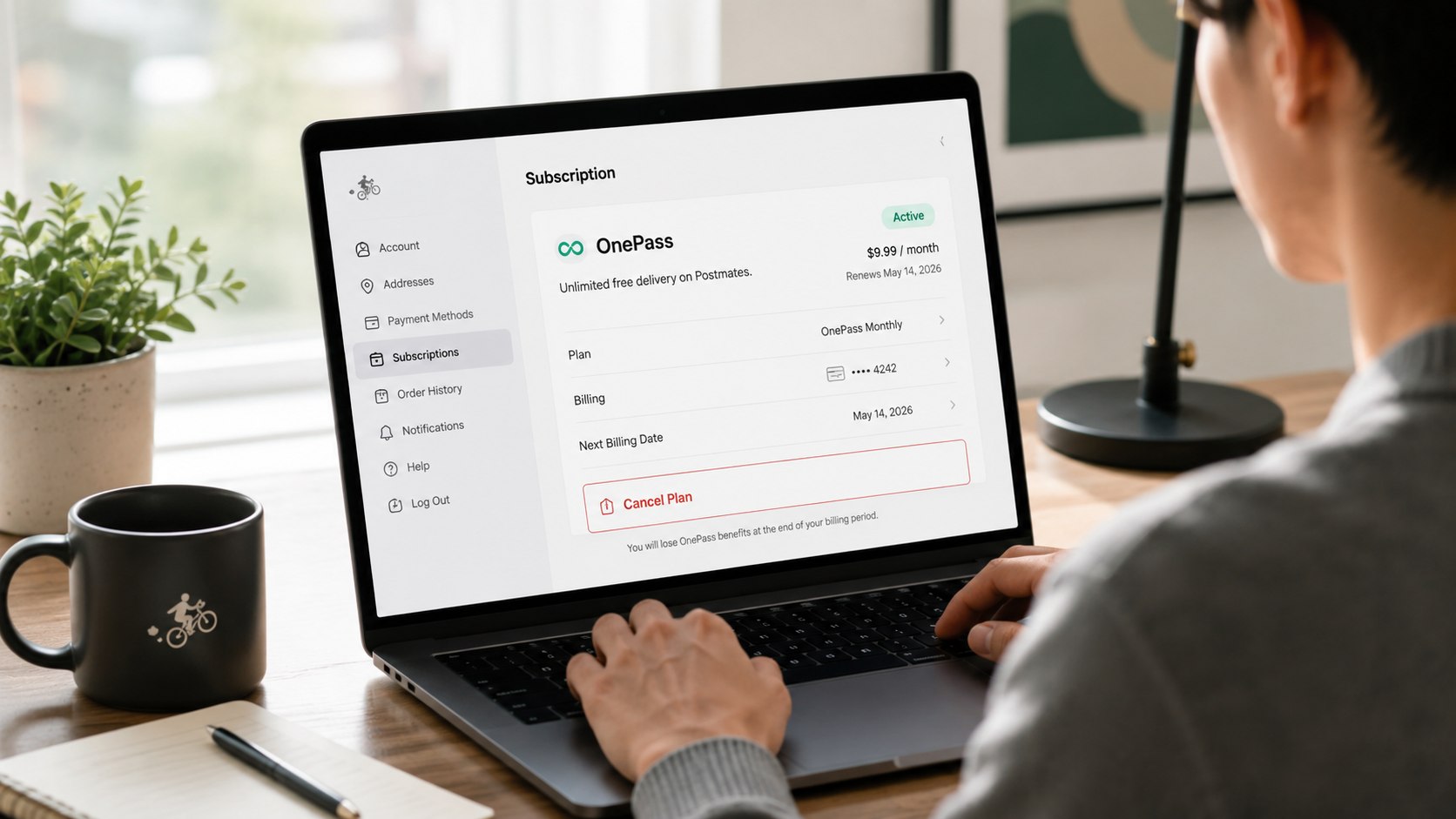
Troubleshooting: When You Cannot Cancel Postmates or Uber One
Most cancellation problems come from account access, timing, or confusion over which service created the charge. Work through the account record before escalating the payment dispute.
- No “End Membership” button: update the Uber app, check Uber Eats, or sign in through Uber’s website. Contact Support if renewal is near.
- You cannot find Uber One: verify that you are signed into the same phone number and email used for the membership.
- The charge appears after cancellation: compare its posting date with your cancellation timestamp and send both records to Support.
- You canceled Postmates but billing continues: check Uber One because the current membership may be attached to your Uber account.
- You do not recognize the subscription: secure the Uber account and email, then contact Uber and your payment provider when appropriate.
A missing button does not mean the subscription cannot be canceled. It often means the user is viewing the wrong account or a different version of the membership menu.
Do not create multiple Uber accounts while investigating. That makes it harder to identify which account holds the recurring membership.
If renewal is less than 48 hours away, contact Support immediately rather than repeatedly reinstalling the app. Uber specifically directs customers to support when cancellation is too close to renewal.
For unresolved billing, keep every response in the same support thread where possible. A single chronological record makes the dispute easier to understand.
Only escalate to the card issuer when the merchant cannot resolve a legitimate billing issue or when the charge is genuinely unauthorized.
FAQ
How do I cancel OnePass Postmates in 2026?
Open Uber or Uber Eats, go to Account, select Uber One, choose Manage Membership, then End Membership. Follow every confirmation prompt until renewal is shown as canceled.
Is Postmates OnePass the same as Uber One?
The search terminology is outdated. Current Postmates-related membership benefits in the US are handled through the Uber ecosystem and Uber One, so older Postmates subscription instructions may no longer match the app.
How much does Uber One cost in the USA in 2026?
Uber currently advertises Uber One in the US at $9.99 per month. Check the live account page because promotions, annual plans, taxes, and account-specific offers can change the amount shown.
Can I get a refund after canceling Uber One?
Not automatically. Canceling normally prevents future renewal, while a Postmates Uber One refund requires a separate billing review. Uber generally treats charges as non-refundable after a billing cycle begins, subject to applicable law and eligibility.
What happens to Uber One benefits after cancellation?
Paid members generally keep eligible benefits until the current billing period ends. Free-trial treatment can differ, so check the expiration shown on the account after cancellation.
Does deleting Postmates or Uber cancel the subscription?
No. Deleting the app only removes it from the device. You must terminate the membership through Uber One settings or Uber Support.
Earlier we wrote about How to Fight a Speeding Ticket in Maryland 2026: Trial, Hearing, Fines and Points