

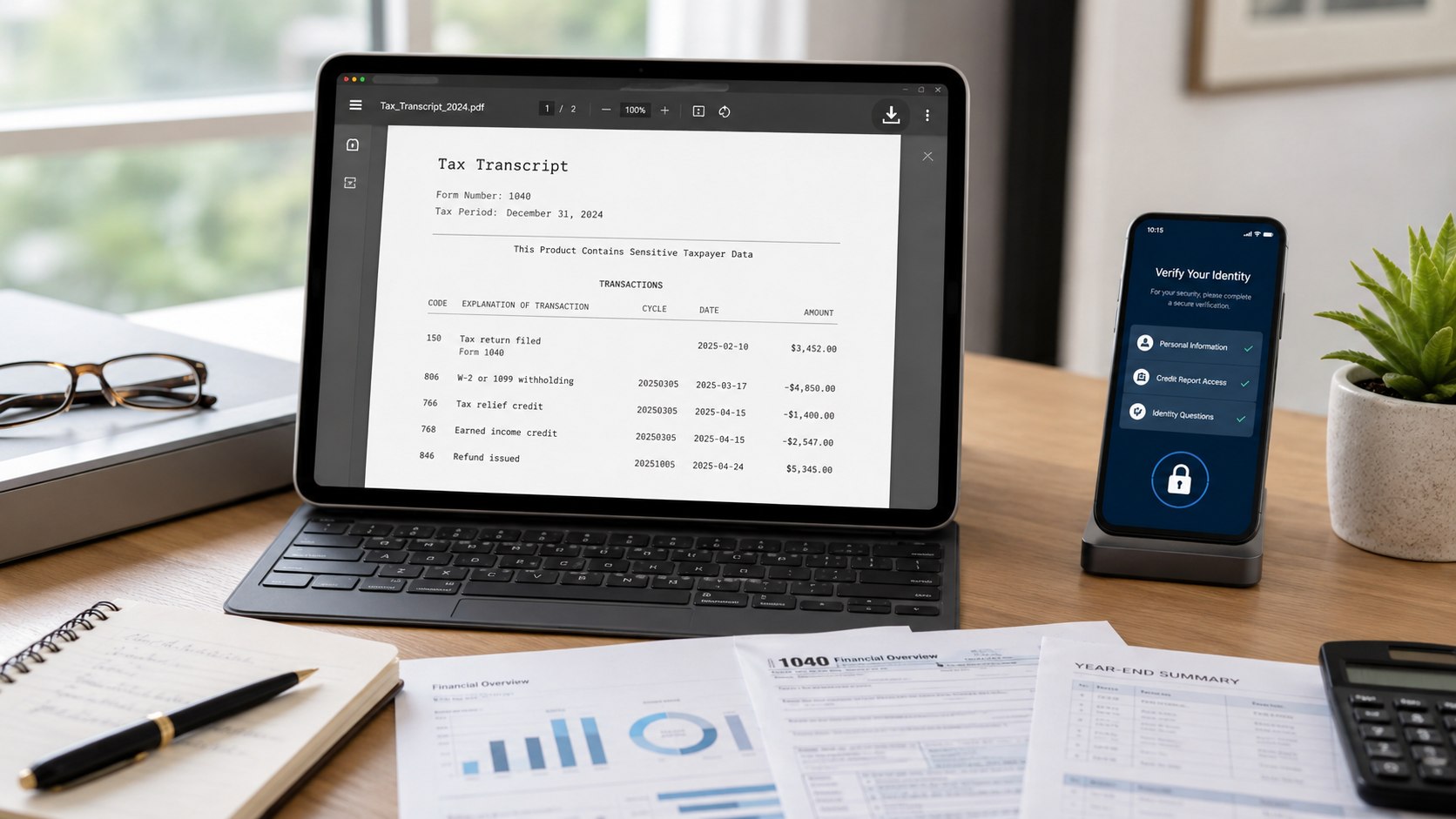
How to get an IRS transcript online 2026 starts with signing into your IRS Individual Online Account through ID.me. Once verified, open “Records and Status,” select “View Tax Records,” choose “View Transcripts,” and download the required PDF. Returning users may finish within 5 minutes. First-time ID.me verification can take 10–20 minutes, as noted by the editorial team at Baltimore Chronicle.
An IRS transcript is free. You do not need to pay a tax preparer, install third-party software, or provide bank details. The main decision is choosing the correct transcript type for your lender, school, tax return, immigration case, or income-verification request.
Key takeaways
- IRS online transcripts are free and can usually be viewed, printed, or downloaded immediately after identity verification.
- ID.me may require a government-issued photo ID, Social Security number, smartphone camera, and video selfie.
- Choose the transcript requested by the recipient because a tax return transcript and account transcript contain different information.
What you need before requesting an IRS transcript
Gather everything before opening the IRS website. ID.me may pause verification when personal information differs across your tax return, credit records, identification document, or mobile account.
You will need:
- a valid email address you can access immediately;
- your Social Security number or Individual Taxpayer Identification Number;
- a current driver’s license, state ID, passport, or passport card;
- a smartphone or tablet with a working front-facing camera;
- your current mailing address and the address used on your latest return;
- access to text messages, an authentication app, or another multi-factor authentication method;
- about 5 minutes for an existing account or 10–20 minutes for first-time verification;
- $0, because the IRS does not charge for transcripts.
Use a private internet connection rather than public Wi-Fi at an airport, coffee shop, library, or hotel. Close unrelated browser tabs and keep your physical identification document nearby. Screenshots, photocopies, damaged IDs, and expired documents can trigger rejection.
Taxpayers preparing a return can also review the Baltimore Chronicle guide to filing taxes for free in the USA in 2026. Those working against a deadline should check the separate guide covering the 2026 federal tax filing dates.
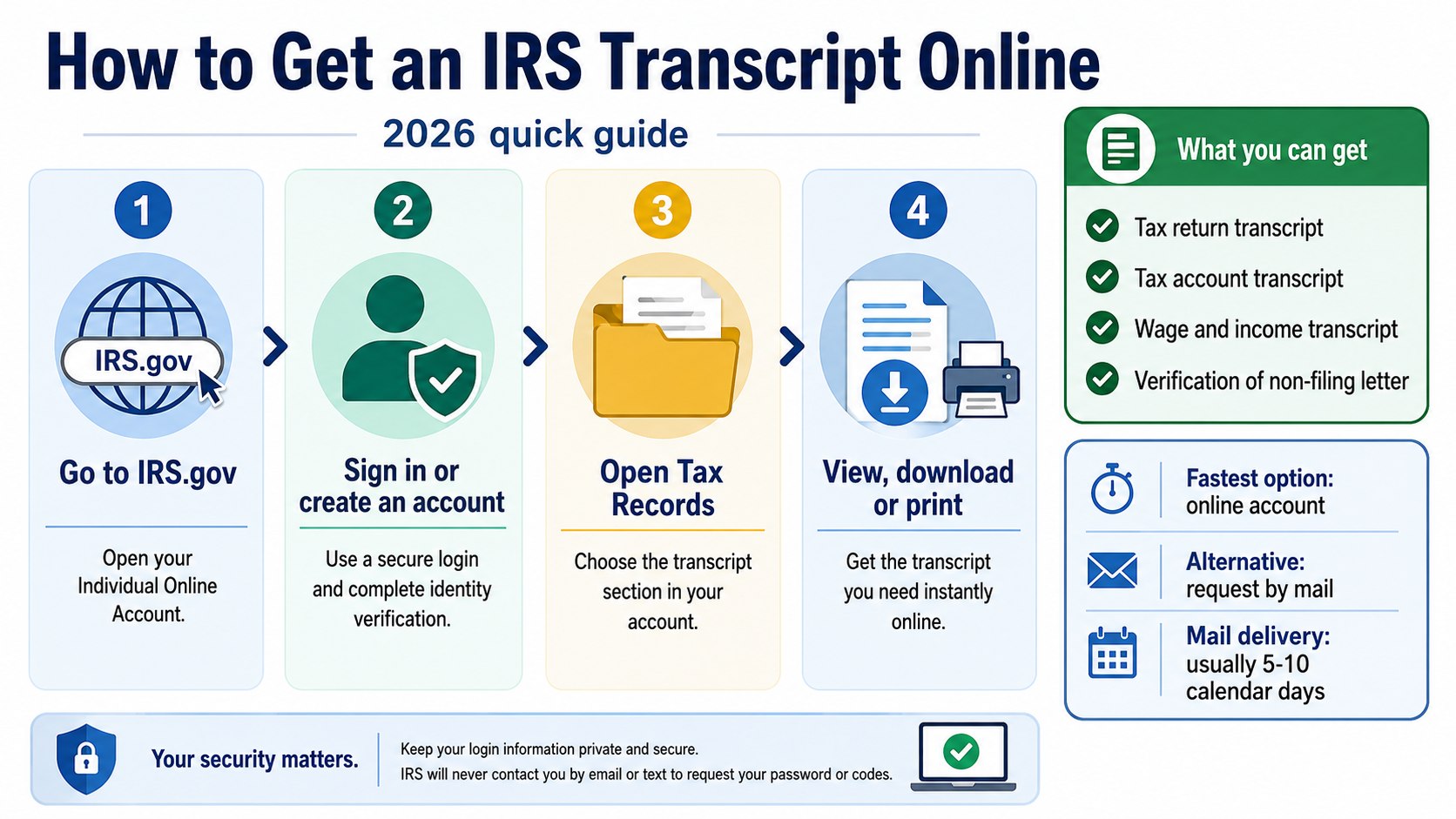
How to get an IRS transcript online 2026: 7 steps
Step 1: Open the official IRS transcript page
Go directly to the IRS Get Transcript page and select the option to sign into your Individual Online Account. Confirm that the address begins with IRS.gov before entering personal information.
This protects you from phishing websites that collect Social Security numbers and identification images. Avoid sponsored search advertisements or emails claiming that a transcript requires a processing payment.
Step 2: Sign in through ID.me
Select the ID.me sign-in option. Existing users should enter the email address and password connected to their ID.me account, then complete multi-factor authentication.
First-time users must create an account and confirm their email. A common mistake is opening another ID.me account because an old password was forgotten. Use account recovery instead, since duplicate accounts can delay access.
Step 3: Verify your identity
ID.me typically asks for personal details, a government-issued photo ID, and a video selfie. Depending on the verification result, you may be offered a short video call with an ID.me agent.
The system compares the document, facial image, and submitted information. Enter your legal name exactly as it appears on the ID. Do not use a nickname, shortened middle name, or previous surname unless the form specifically requests it.
Good lighting matters more than an expensive camera. Place the document on a plain surface, avoid glare, and keep every corner visible.
Step 4: Authorize ID.me to share verified information
After successful verification, ID.me asks permission to share the necessary identity information with the IRS. Review the authorization screen and approve access to continue.
Verification alone does not always complete the IRS connection. Closing the browser before approving information sharing can return you to the sign-in page without granting access.
Step 5: Open Records and Status
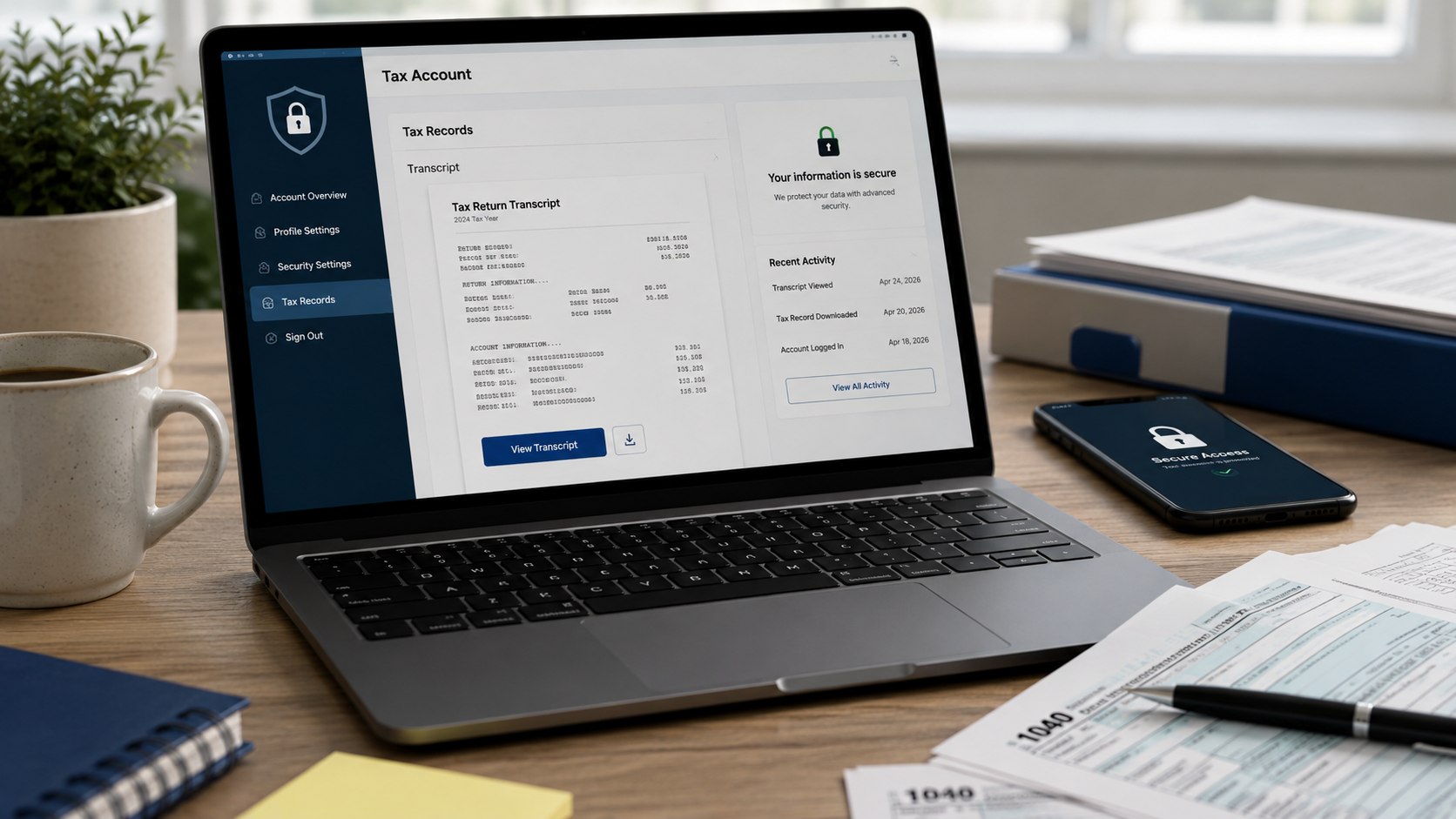
Inside the IRS Individual Online Account, find the “Records and Status” section. Select “View Tax Records,” then choose “View Transcripts.”
The account may also display balances, payment history, prior-year adjusted gross income, notices, and other records. Do not select a payment record when a bank, landlord, or college specifically requests a transcript.
Step 6: Select the reason and transcript type
The IRS may ask why you need the document. Select the closest available reason, then choose the tax year and transcript category requested by the receiving organization.
The reason generally helps organize the options. It does not change your tax account. The common mistake is downloading the first available PDF without checking whether the recipient requested a return, account, or wage transcript.
Step 7: Download and store the PDF securely
Open the transcript, review the taxpayer name and year, then save the PDF to a protected device. Use a descriptive filename such as “IRS-return-transcript-2025.pdf.”
Send it only through the recipient’s approved secure portal. Email attachments can expose financial information when an account is compromised. Delete unnecessary copies from shared computers, workplace printers, and public cloud folders.
Which IRS transcript should you choose?
The correct choice depends on what the recipient needs to verify. IRS transcripts are not identical copies of a filed return, although several types reproduce important line items and account activity.
| Transcript type | What it shows | Common use | Typical availability |
|---|---|---|---|
| Tax Return Transcript | Most line items from the original Form 1040 and attached schedules | Mortgage, student aid, income verification | Current year and 3 prior processing years |
| Tax Account Transcript | Filing status, payments, adjustments, penalties, and account activity | Checking payments or IRS changes | Available for many older tax years |
| Record of Account Transcript | Combined return and account transcript information | Detailed tax history or amended-return review | Current year and 3 prior tax years |
| Wage and Income Transcript | Federal data reported on Forms W-2, 1099, 1098, and 5498 | Replacing missing income documents | Potentially available for up to 10 years |
| Verification of Non-Filing Letter | Confirmation that the IRS has no processed Form 1040 for that year | Financial aid or income-based programs | Current-year letters generally become available after June 15 |
A mortgage underwriter commonly asks for a tax return transcript, while someone investigating an unexpected balance may need a tax account transcript. A freelancer missing Forms 1099 may find the wage and income transcript more useful.
Wage and income records may omit state and local W-2 details. Current-year documents can also appear gradually as employers, banks, payment platforms, and other issuers submit information. The IRS states that online return and record-of-account transcripts generally cover the current year and 3 prior years.
Download the document named in the written request. A more detailed transcript is not automatically a better substitute.
When your transcript is not available yet
A recently filed return may not appear immediately. Processing depends on whether it was e-filed or mailed, whether payment was included, and whether the IRS needs additional review.
An e-filed return generally appears sooner than a paper return. Balance-due returns and amended returns can follow different posting timelines. Transcript availability depends on how the return was filed and processed.
Check these details before assuming the return is missing:
- confirm that you selected the correct tax year, not the calendar year when the return was submitted;
- check whether the electronic return was accepted rather than merely transmitted;
- allow additional processing time for mailed or amended returns;
- review IRS notices requesting identity verification or supporting documents;
- ask the recipient whether an older transcript or signed return can be used temporarily.
For example, a 2025 tax return is normally filed during 2026. Inside the transcript menu, the relevant tax year is 2025. Selecting 2026 would refer to income earned during 2026, usually reported on a return filed in 2027.
Parents reviewing credits should compare transcript information with the Baltimore Chronicle guide to claiming the Child Tax Credit in 2026. Freelancers should verify every income document before filing, particularly when several payment apps or clients were involved.
Troubleshooting IRS and ID.me problems
Most failures involve document quality, mismatched personal information, browser permissions, or multi-factor authentication. Repeating the same attempt without changing anything can create further delays.
- ID.me rejects the ID: retake the photo in bright, even light. Show all edges and remove protective covers.
- The video selfie fails: update the browser, clean the camera lens, disable filters, and use a stable connection.
- Your name does not match: enter the legal name shown on your current identification and tax records.
- You lost the authentication phone: use ID.me account recovery instead of creating another account.
- The transcript year is missing: confirm processing dates or request the record through Form 4506-T.
If self-service verification fails, ID.me may direct you to a video call. Have original documents ready. Copies or images displayed on another screen may not be accepted during agent-assisted verification.
The IRS does not initiate contact by email, text, or social media to request personal or financial information. Treat unexpected “transcript problem” messages as suspicious and open IRS.gov independently.
How to request a transcript without ID.me
Taxpayers who cannot complete online verification can request a tax return or tax account transcript by mail. Use the mailing address from the latest processed return.
Mailed transcripts normally arrive within 5–10 calendar days. You can request one through the IRS mail option or call the automated transcript line at 800-908-9946.
Form 4506-T provides another route and supports return, account, record-of-account, wage-and-income, and non-filing records. Processing may take longer than an immediate online download.
A transcript is different from a photocopy of the original return. Taxpayers who require an exact copy, including submitted forms and attachments, must use Form 4506. That service may involve a fee and a longer processing period, so verify the current form instructions before filing.
FAQ
Can I get an IRS transcript online for free?
Yes. IRS tax transcripts are free through the Individual Online Account. Do not pay a third-party website merely to retrieve a document available directly from the IRS.
Can I access an IRS transcript without ID.me?
You cannot use the standard IRS online account without completing its identity process. You can request certain transcripts by mail, telephone, or Form 4506-T instead.
How long does ID.me verification take?
A straightforward self-service check may take about 10–20 minutes. A video call or document problem can extend the process. Returning verified users often sign in within several minutes.
Does an IRS transcript show my full Social Security number?
Standard transcripts mask portions of personally identifiable information. Financial figures remain visible. Certain authorized users may request unmasked wage and income transcripts under applicable IRS procedures.
Can a mortgage lender accept an IRS transcript?
Many lenders request tax return transcripts to verify filed income. The lender determines the acceptable type, years, and delivery method, so follow the written underwriting request.
Why is my 2025 transcript unavailable in 2026?
The return may still be processing, especially after paper filing, identity review, an amendment, or an IRS request for information. Confirm acceptance and check the account again later.
Earlier we wrote about How to Register a Car in Maryland 2026: Documents, Fees and 6 Steps