


How to tip a Lyft driver takes less than 1 minute through the Lyft app after a ride. Open the completed trip, select the tipping option, choose an amount, and confirm the payment. Lyft also allows cash tips and lets riders add an app tip later, as noted by Baltimore Chronicle.
If the ride already disappeared from the payment screen, there is still time. Lyft says riders can normally add a tip through Ride History or their emailed receipt. Under current 2026 guidance, the option can remain available for up to 30 days after the completed ride.
Key takeaways
- Lyft says 100% of passenger tips go to drivers, whether the rider tips in the app or uses cash.
- After payment, open Ride History, choose the completed trip, and select “Tip driver” to add money later.
- In-app tips cannot exceed $50 or 200% of the ride cost under Lyft’s current 2026 rules.
There is no required national Lyft tipping percentage. A percentage can make sense for longer rides, while a fixed dollar amount often works better for short trips.
What you need
Before opening the payment screen, make sure the correct Lyft account and payment method are available. No separate tipping service or additional account is required.
- A Lyft account with the completed ride attached to it
- The Lyft app on an iPhone or Android device
- A valid card or another supported payment method
- The correct ride in Ride History if payment already closed
- About 1 minute to choose and confirm the tip
- Cash, if tipping outside the app instead
Lyft credit cannot be used for a driver tip. An app tip goes to an eligible payment method stored for the ride. Cash remains an option when a rider prefers a direct payment.
The tip appears separately from the ride fare on the completed trip information. Riders comparing overall trip costs can also review Baltimore Chronicle’s guide to Uber versus Lyft prices in 2026. The displayed fare and voluntary tip are separate charges.
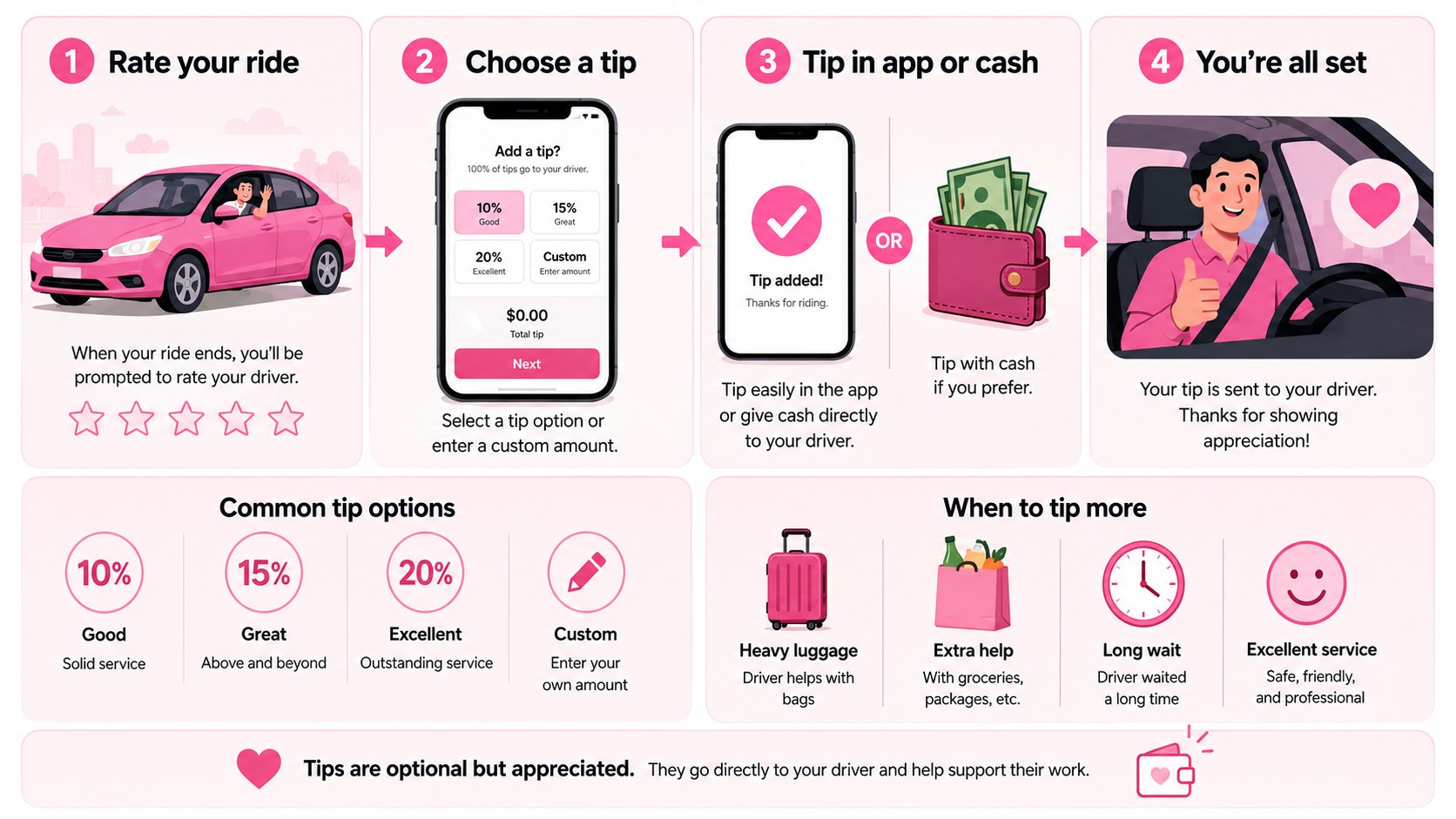
Step 1: How to Tip a Lyft Driver in the App
When the ride ends, open Lyft and stay on the payment screen. Select one of the displayed tip choices or enter an available custom amount. Review the total before submitting payment.
This is the fastest method because the trip and driver are already attached to the transaction. Lyft’s official rider guidance explains the current tipping process on its support page.
The common mistake is closing the payment screen before deciding whether to tip. That does not eliminate tipping, but it means the rider may need to return through Ride History.
“100% of tips go to drivers.”
Lyft states this in its official US rider support guidance. The company says tips entered through the platform are passed to the driver.
The Lyft tip is separate from the fare, tolls, airport charges, and other ride costs shown on the receipt.
Step 2: Choose a Percentage or Dollar Amount
The next decision is how much to tip a Lyft driver. Lyft does not impose a required national percentage. Riders can select an available percentage, fixed amount, or qualifying custom amount.
A practical choice depends on the ride. An $18 trip with a 15% tip adds $2.70. A 20% tip adds $3.60. On a $40 airport ride, those amounts become $6 and $8.
Percentages automatically scale with more expensive trips. A fixed $3 or $5 can be easier after a short neighborhood ride.
The mistake to avoid is treating a suggested tip button as a mandatory fee. Tipping remains voluntary.
The figures below show simple examples rather than a required etiquette standard.
| Ride fare | 15% tip | 20% tip | Fixed alternative |
|---|---|---|---|
| $12 | $1.80 | $2.40 | $2–$3 |
| $18 | $2.70 | $3.60 | $3–$4 |
| $30 | $4.50 | $6.00 | $5–$6 |
| $40 | $6.00 | $8.00 | $6–$8 |
| $60 | $9.00 | $12.00 | $10–$12 |
A higher fare does not always mean the driver performed more work. Airport fees and demand pricing can raise the total paid by the rider. Weather, luggage help, difficult pickups, waiting, or an unusually clean vehicle may influence the amount.
Long-distance trips can also leave drivers far from their normal working area. A courteous short ride may justify a smaller fixed amount. Riders can base the decision on the service and their budget. Lyft does not publish a required national tipping percentage.
Step 3: Add a Lyft Tip After the Ride
For Lyft tipping after ride payment, open the app and find Ride History. Select the completed trip, then choose “Tip driver.” Confirm the amount using an eligible payment method.
Lyft also says riders can use the tipping link inside an emailed ride receipt. Under its current 2026 support guidance, a tip can generally be added for up to 30 days after completion.
This matters because forgetting at drop-off does not mean the opportunity has disappeared. The feature can be useful after airport arrivals, work calls, school pickups, or any trip that ends in a hurry.
A common mistake is assuming a completed rating permanently prevents a later tip. Ride History should be checked before treating the transaction as closed.
This delayed-payment option can also be useful for planned transportation. Baltimore Chronicle’s guide to scheduling a Lyft ride in advance explains how scheduled rides work within the app.
Step 4: Check the $50 and 200% In-App Limits
An in-app Lyft tip cannot exceed $50 or 200% of the ride cost under Lyft’s current guidance. The applicable ceiling depends on the original fare.
For example, 200% of a $10 ride equals $20. A rider therefore cannot enter a $40 in-app tip for that trip. On a $40 ride, 200% equals $80, but the $50 maximum still applies.
These limits matter when a generous custom tip is rejected despite a working payment card. The problem may be the amount rather than the card.
The common mistake is repeatedly retrying the same rejected amount without checking the tipping limit first.
Cash is not processed through the app’s electronic tipping system, but the amount should still be deliberate and appropriate.
Step 5: Use Cash When the App Is Not Practical
A cash tip for Lyft driver is permitted. The rider can hand the driver the money before leaving the vehicle, preferably after the trip has ended in the app.
This option can be useful when a payment card is temporarily locked or the rider wants the driver to receive cash immediately. It also avoids returning to Ride History later.
Cash tips should not be confused with the ride fare itself. Lyft generally requires the actual fare to be handled through its supported payment system.
The mistake to avoid is attempting to replace the normal Lyft fare, tolls, or other app charges with cash. Cash is an accepted way to tip, not a substitute for the platform’s ordinary trip payment process.
Lyft has also tested ways to remind riders about tipping. Its product updates have described prompts and default tipping options designed to reduce forgotten tips.
That does not make tipping compulsory. It explains why riders may see several prompts connected to a completed trip.
Step 6: Set a Default Tip for Future Lyft Rides
Frequent riders can use a default Lyft tip for future trips. Lyft allows eligible riders to choose a percentage or fixed dollar amount in the app’s settings.
Open Settings and look for the default tipping option. Choose the preferred amount and save it. The setting can later be changed or removed.
This can be practical for commuters and frequent travelers who do not want to make the same decision after every routine ride. A default tip also reduces the chance of forgetting after a busy drop-off.
The mistake is setting a percentage once and forgetting that it applies to rides with very different prices. A percentage creates a larger dollar tip when the fare rises.
Ride prices can change with city, route, traffic, and demand. Baltimore Chronicle explains these fluctuations in its guide to rideshare surge pricing in 2026.
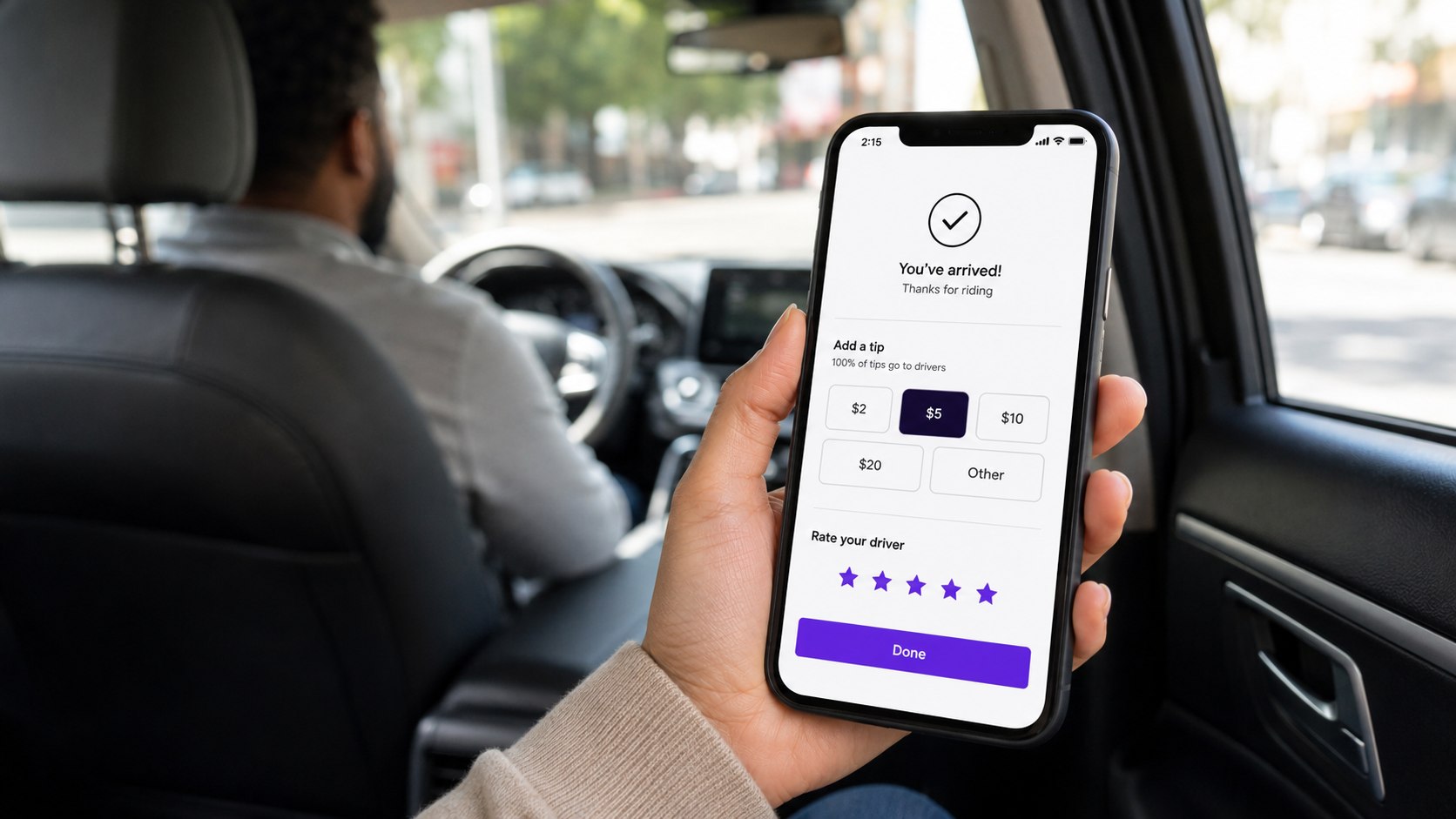
Troubleshooting Lyft Tipping Problems
Most tipping problems involve timing, payment methods, or choosing the wrong completed ride. Check the trip details before contacting support.
- Lyft tip option missing: open Ride History and select the exact completed ride.
- Payment card declined: update the stored payment method before trying again.
- Custom amount rejected: confirm it stays within $50 and 200% of the ride price.
- Receipt link no longer works: contact Lyft support with the trip details.
- Lyft credit is available: use another eligible payment method because Lyft credit cannot fund tips.
If the normal tip option no longer works, Lyft support may need details about the trip. Be ready with the driver’s name, ride date, pickup location, and drop-off location.
Include the amount intended for the driver. These details help support staff identify the correct transaction. Avoid sending money through an unrelated payment account unless there is a clear reason to do so.
The official Lyft tipping support page contains the company’s current instructions.
FAQ
How do you tip a Lyft driver after the ride?
Open Ride History, choose the completed ride, and select the tipping option. Lyft also provides tipping through eligible emailed ride receipts.
How long do you have to tip a Lyft driver?
Under Lyft’s current 2026 US support guidance, riders can generally add a tip for up to 30 days after the ride ends.
Does 100% of a Lyft tip go to the driver?
Yes. Lyft states that 100% of rider tips go to drivers, including tips entered through the app.
Can you tip a Lyft driver with cash?
Yes. Cash tips are permitted, although the actual Lyft fare normally remains an app-based payment.
What is the maximum Lyft tip in the app?
The current in-app limit is $50 or 200% of the ride cost. The lower applicable ceiling determines whether a custom amount can be processed.
Can you use Lyft credit to tip a driver?
No. Lyft says its credits cannot be used for driver tips. An in-app tip needs an eligible payment method attached to the account.
Earlier we wrote about Which House Exterior Costs Less in 2026? Brick, Stone Veneer and Stucco Compared